

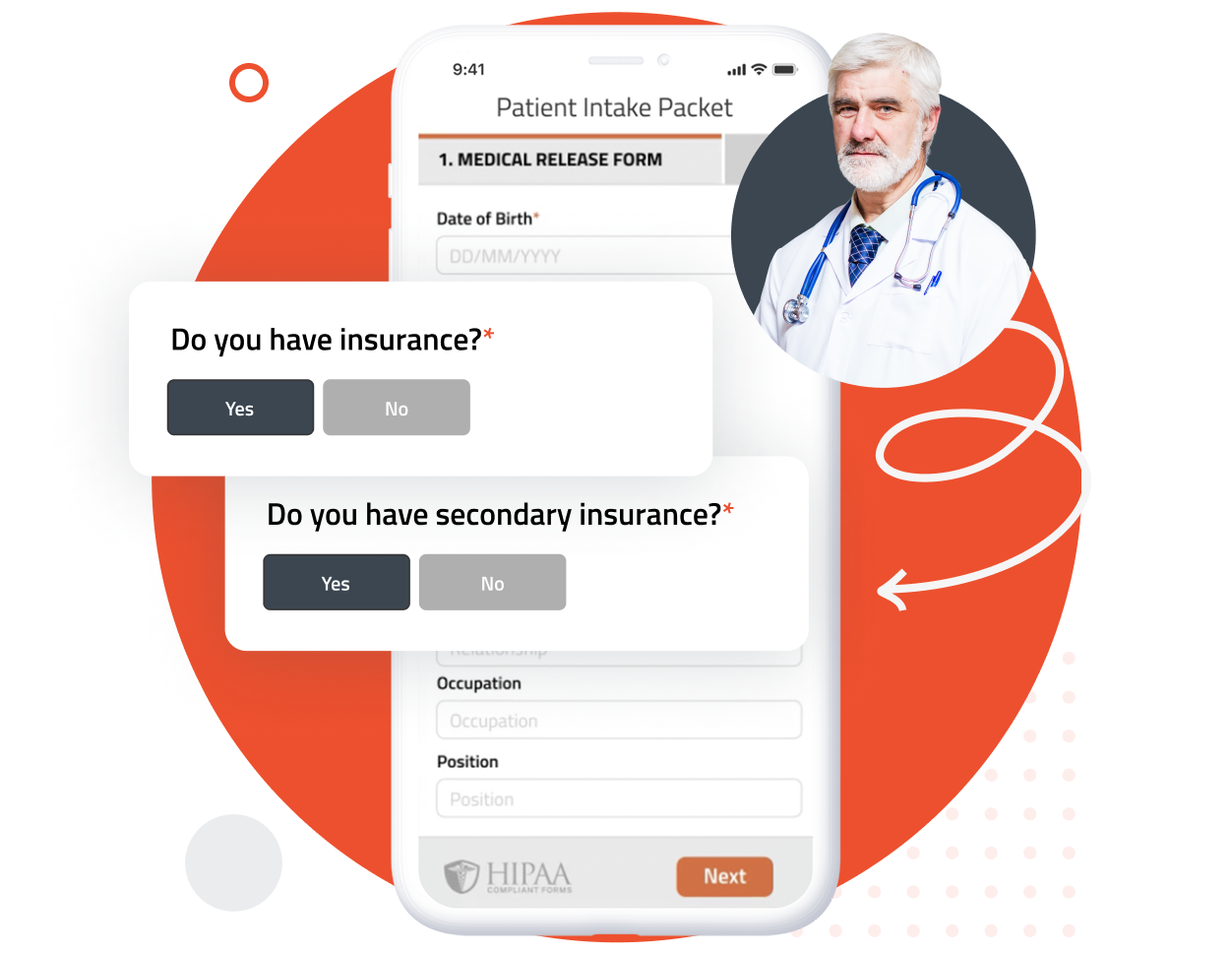
Conditional logic hides fields that aren’t relevant based on a patient’s earlier answers, so a long intake packet becomes a short one for the patient in front of it.
It also replaces the alternative: maintaining a separate form for every appointment type, provider, and scenario. One branched packet instead of eleven flat ones your staff has to choose between correctly — and one form to update when a question changes, not eleven.
Ever had a patient complete a section meant for someone else, or call your front desk confused by a question that didn’t apply? Conditional logic removes those questions before the patient sees them — fewer calls to your staff and fewer submissions sent back for correction.
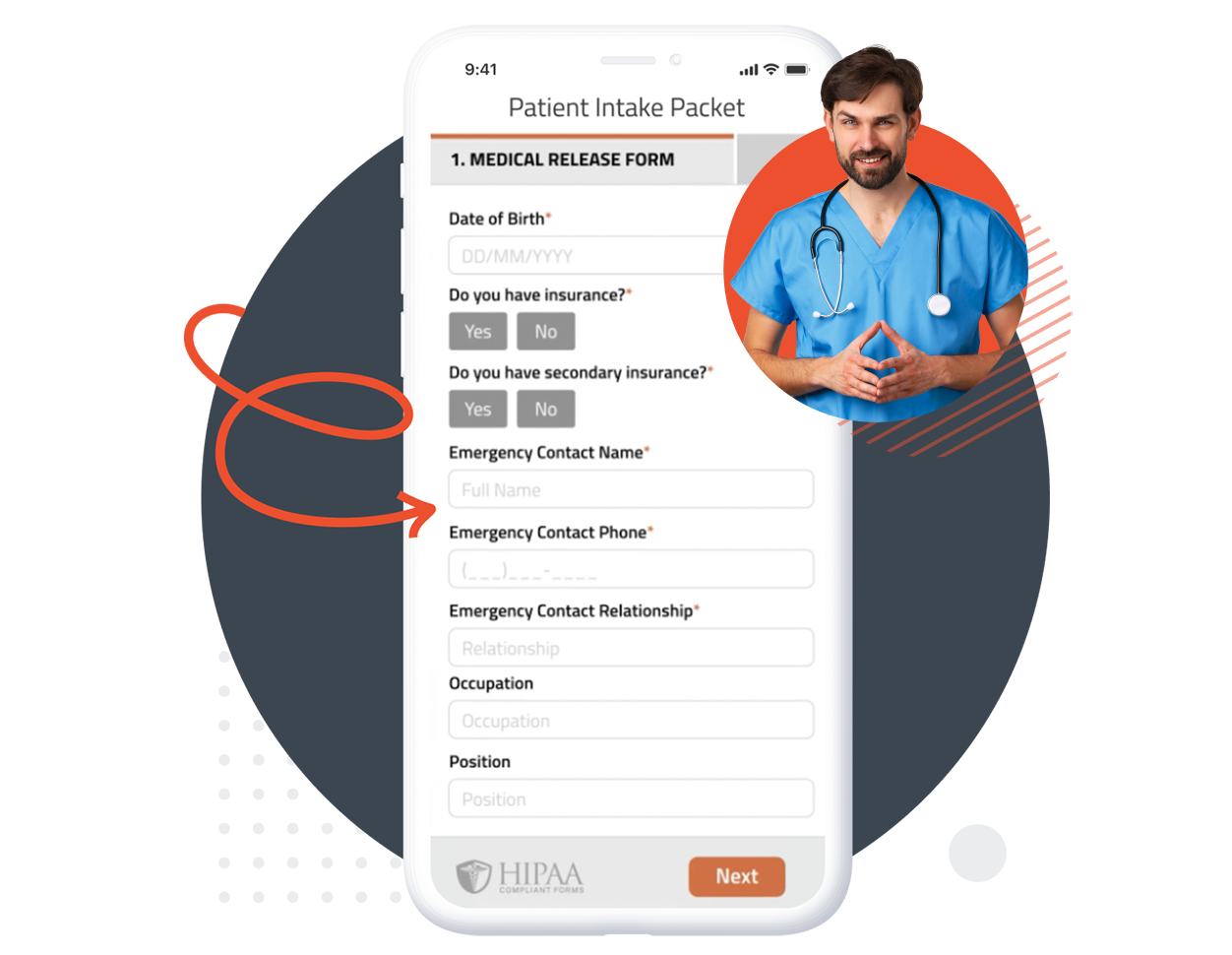
You need complete answers, but not every question applies to every patient. Some depend on a patient’s sex, age, or medical history — a pregnancy question, a screening interval, a follow-up that only matters if a past procedure occurred.
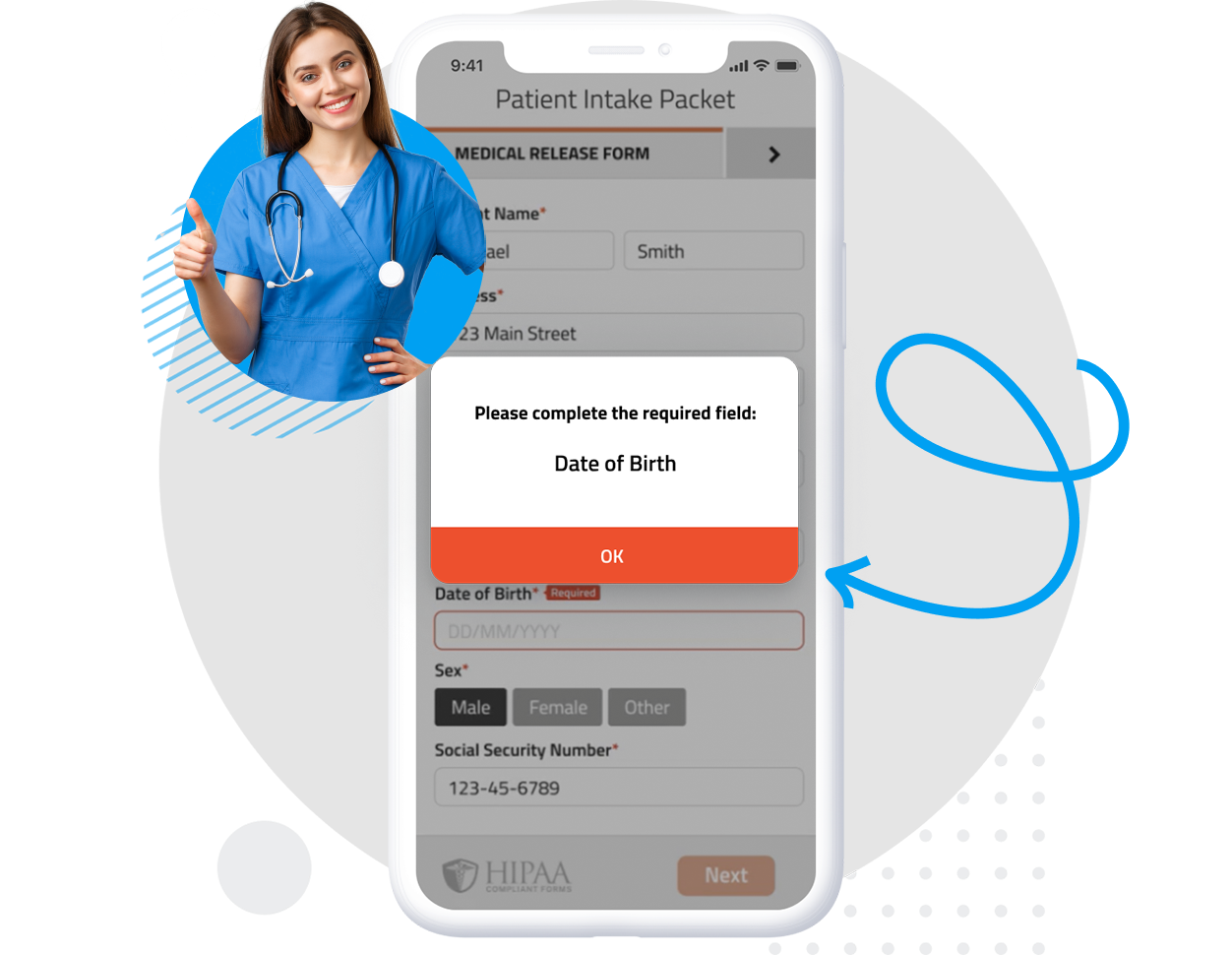
Nest required fields inside conditional elements and the requirement activates only when the branch does. Patients never face an irrelevant mandatory field, and you still get every answer you need.
Long forms are intimidating, and every irrelevant question is a reason to abandon halfway. Conditional logic shortens the form each individual patient sees without removing anything you need from the patients it applies to — which is why practices see higher completion on branched forms than on flat ones covering the same ground.
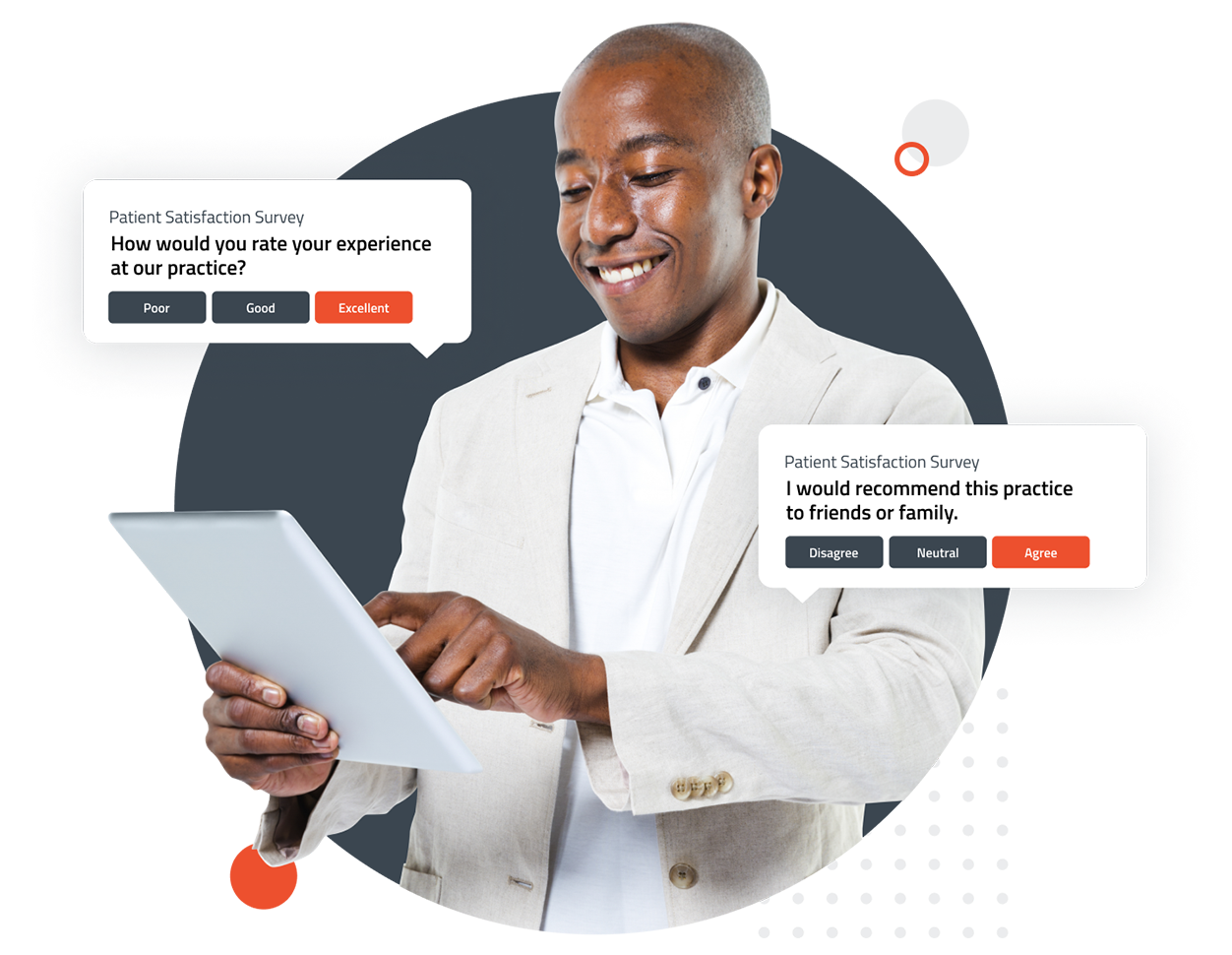
FormDoctor gives your practice one HIPAA-compliant platform to collect forms, communicate with patients, and automate follow-up. We help practices who:

Have your patient enter information once and have it autocomplete throughout your medical form online. Automatically populate PHI directly into additional fields and medical consent forms.

Always get the information you need with required fields. Patients can only submit when they complete all of your required fields. Never receive an incomplete medical form again.

Combine multiple pages into an online form packet. Have your patients fill out their medical history, consent to treat, and demographics all in one new patient intake form packet.

Collect electronic patient signatures before the appointment. Easily give your patients the ability to digitally sign from their phone, tablet, or computer.