
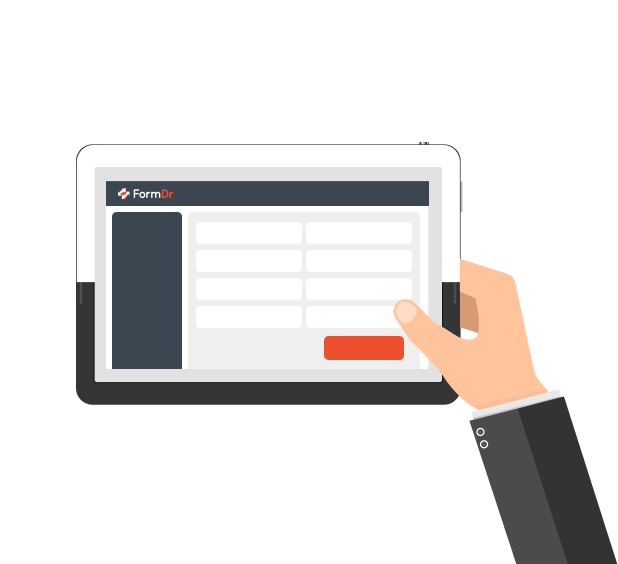
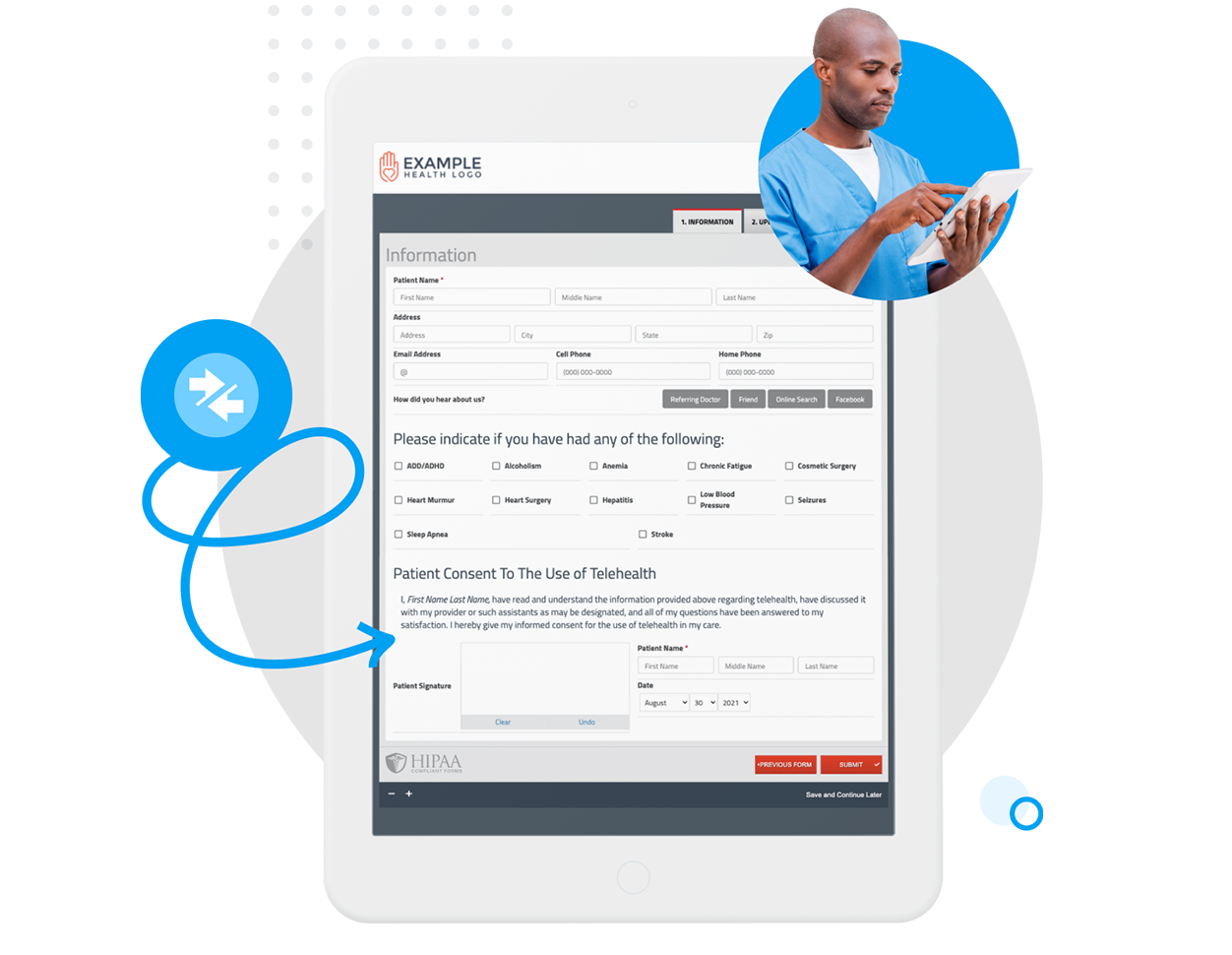
Effortlessly create patient forms to be used on your iPad or tablet. Forms can be pulled up on any device, giving your patients the flexibility to complete your forms digitally.
Switch between forms quickly and automatically reload a blank form for the next patient to use on your iPad or tablet.
When configuring your iPad or tablet to be a kiosk, add the forms you would like displayed to the patient when they first arrive. Whether it be a new patient registration or returning patient form packet, you can show the forms that apply according to the different types of appointments you provide.
Once a patient submits a completed form on the iPad or a tablet, simply load a blank form for the next patient.
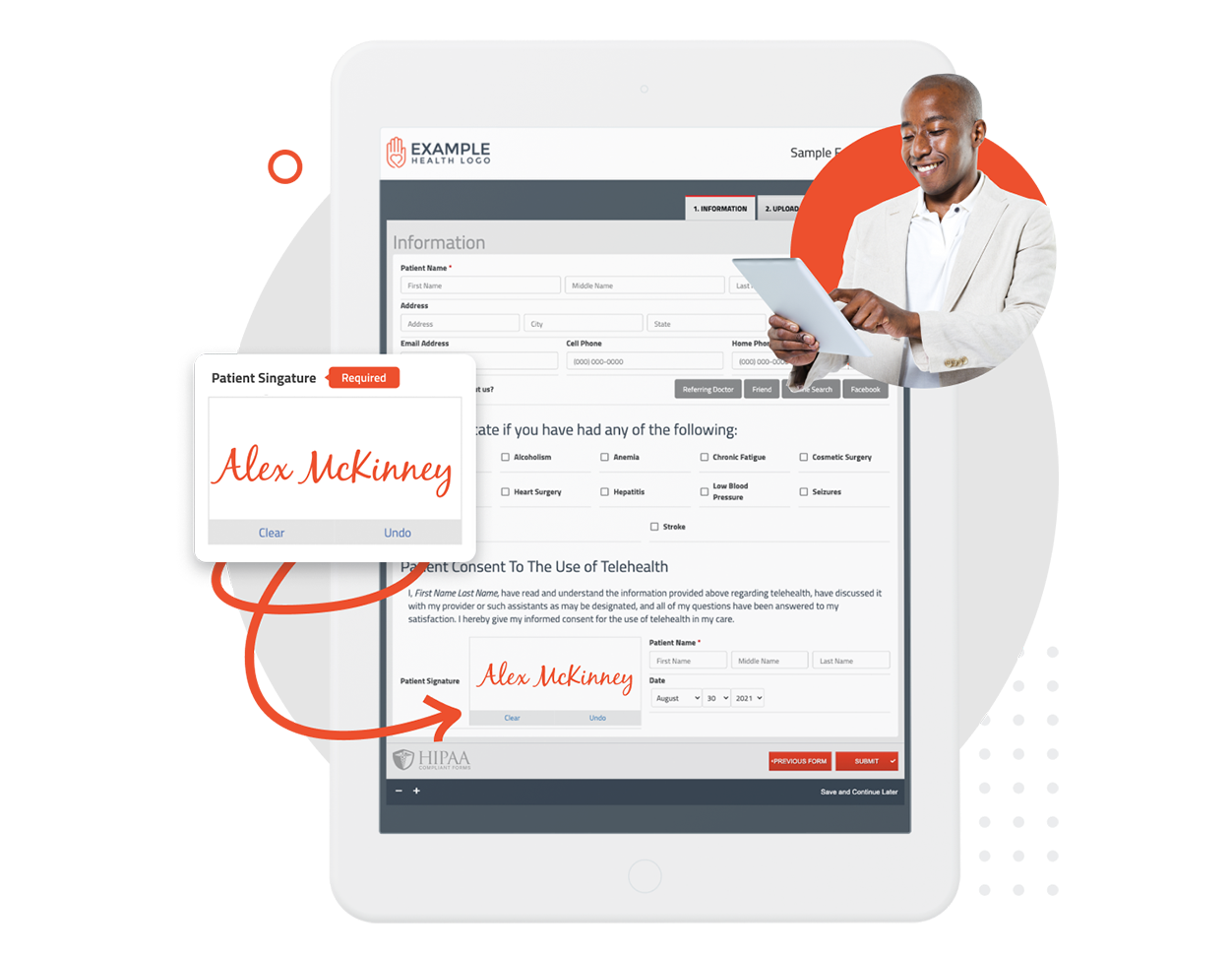
Create a completely digital experience for your patients by loading your forms on an iPad or tablet in the office. Create a seamless experience and improve the patient experience. Have patients sign consent to treatment plans and other important documents directly from an iPad or tablet.
Autocomplete forms for your patients and reduce the amount of time they spend on your forms in the office.
Improve your patient’s experience by streamlining your front desk intake process. Are you still manually transcribing paper forms?
It’s time to eliminate transcription errors. No more copying, scanning and shredding of paper forms. FormDr customers save an average of 21 minutes per new patient with online intake forms vs. paper intake forms.

FormDoctor gives your practice one HIPAA-compliant platform to collect forms, communicate with patients, and automate follow-up. We help practices who:
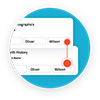
Have your patient enter information once and have it autocomplete throughout your medical form online. Automatically populate PHI directly into additional fields and medical consent forms.
Always get the information you need with required fields. Patients can only submit when they complete all of your required fields. Never receive an incomplete medical form again.
Combine multiple pages into an online form packet. Have your patients fill out their medical history, consent to treat, and demographics all in one new patient intake form packet.

Collect electronic patient signatures before the appointment. Easily give your patients the ability to digitally sign from their phone, tablet, or computer.