
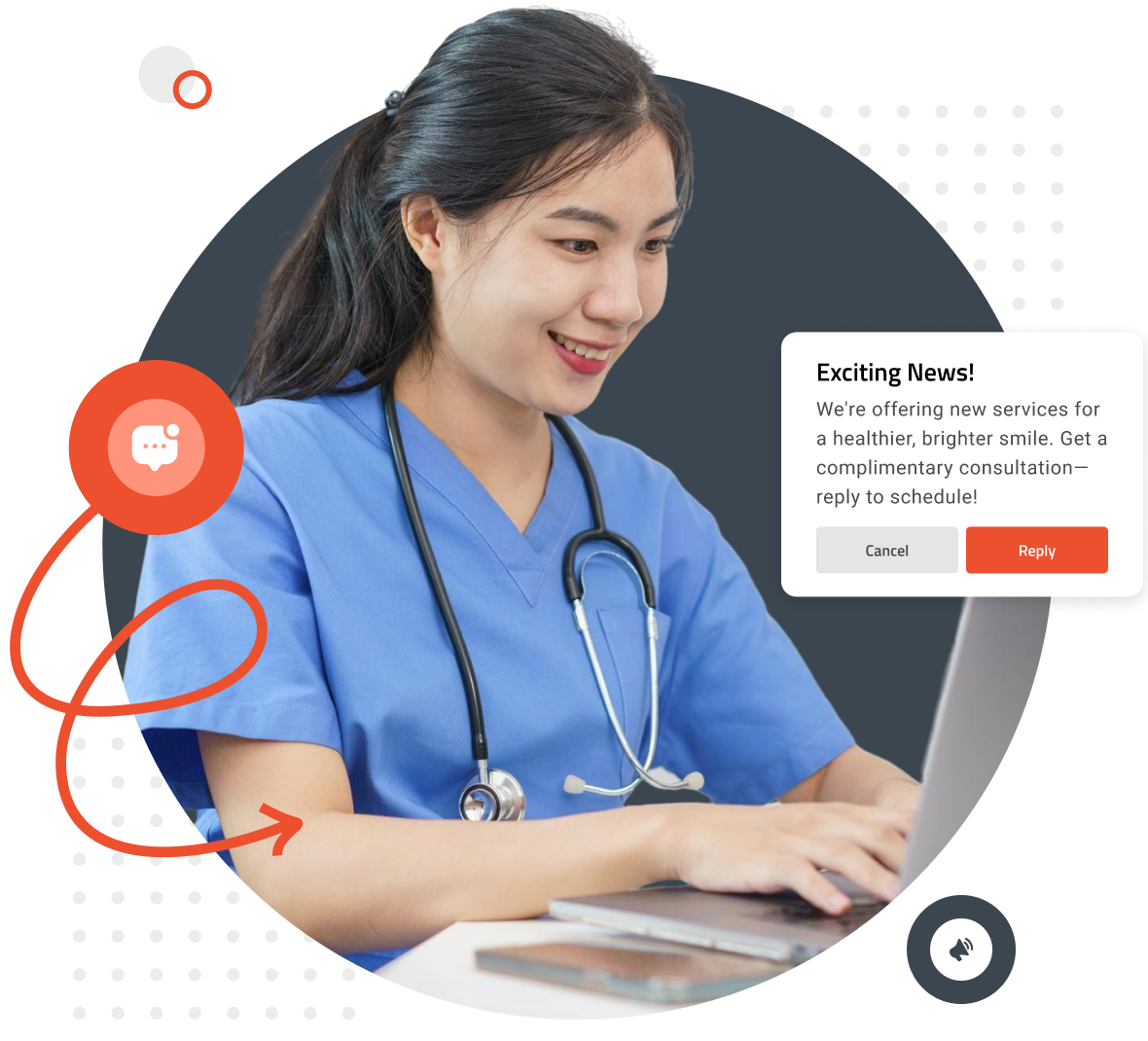
Stay connected with your patients effortlessly using patient mass messaging. Whether you need to send appointment reminders, important health updates, or seasonal announcements, FormDr allows you to reach hundreds or thousands of patients in just seconds. Deliver timely, consistent communication that keeps your patients informed and engaged—all with just a few clicks.
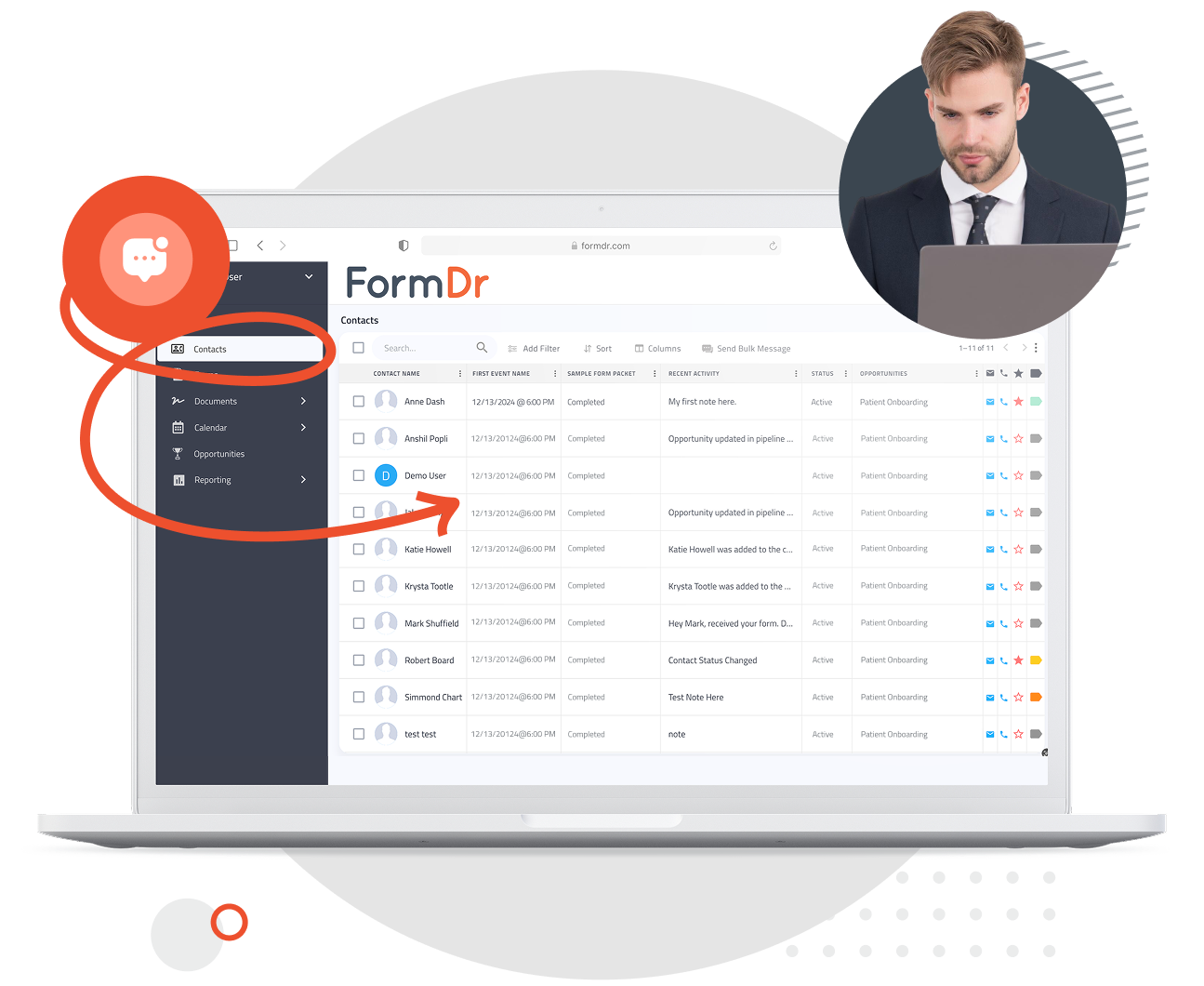
Make mass communication feel personal. FormDr’s patient mass messaging system lets you customize messages with patient names, appointment details, and relevant health information, ensuring each message is engaging and meaningful. Send targeted campaigns, follow-up care instructions, or wellness tips—without adding extra workload for your team.
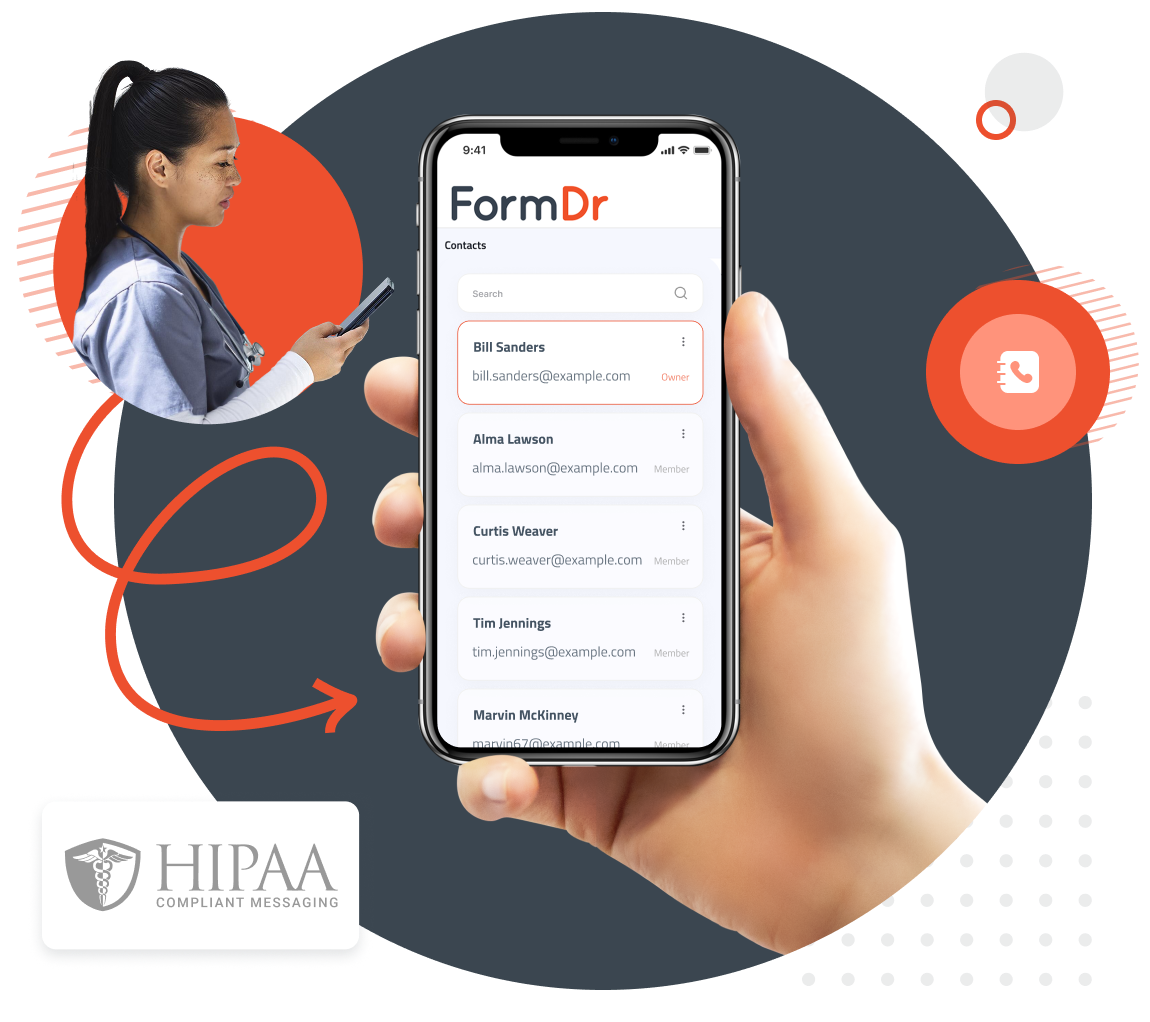
Trust is essential in healthcare communication. FormDr’s mass messaging solution is fully HIPAA-compliant, ensuring that patient data remains private and secure. With encrypted messaging and opt-in preferences, you can engage your patients confidently, knowing that their information is protected while maintaining compliance with industry regulations.
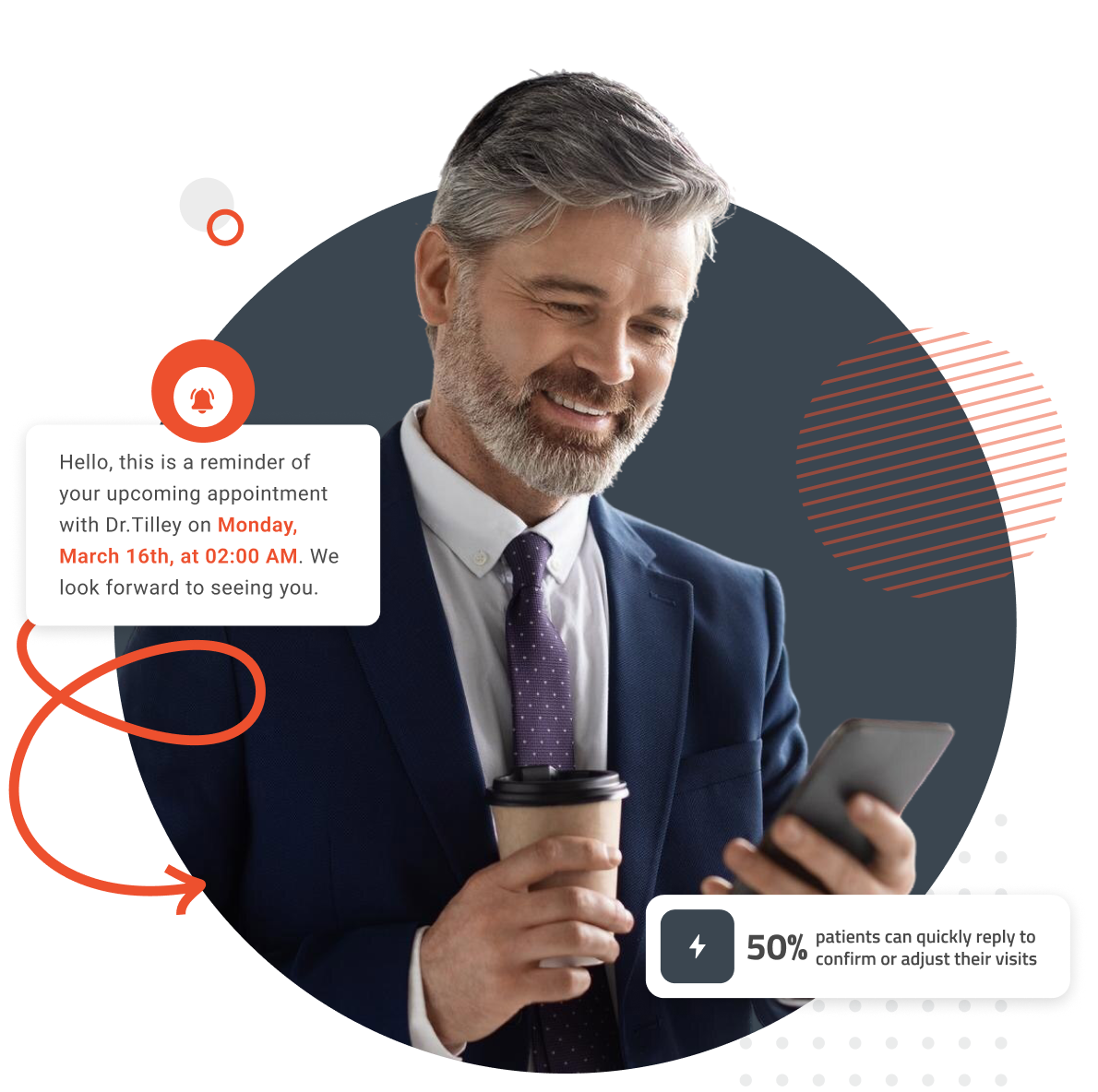
Missed appointments can disrupt schedules and impact patient care. With mass messaging, you can send automated appointment reminders, confirmations, and rescheduling options via text or email. Patients can quickly reply to confirm or adjust their visits, reducing no-show rates and keeping your practice running efficiently.
FormDoctor gives your practice one HIPAA-compliant platform to collect forms, communicate with patients, and automate follow-up. We help practices who:
Have your patient enter information once and have it autocomplete throughout your medical form online. Automatically populate PHI directly into additional fields and medical consent forms.
Always get the information you need with required fields. Patients can only submit when they complete all of your required fields. Never receive an incomplete medical form again.
Combine multiple pages into an online form packet. Have your patients fill out their medical history, consent to treat, and demographics all in one new patient intake form packet.

Collect electronic patient signatures before the appointment. Easily give your patients the ability to digitally sign from their phone, tablet, or computer.