
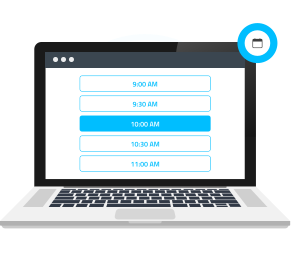
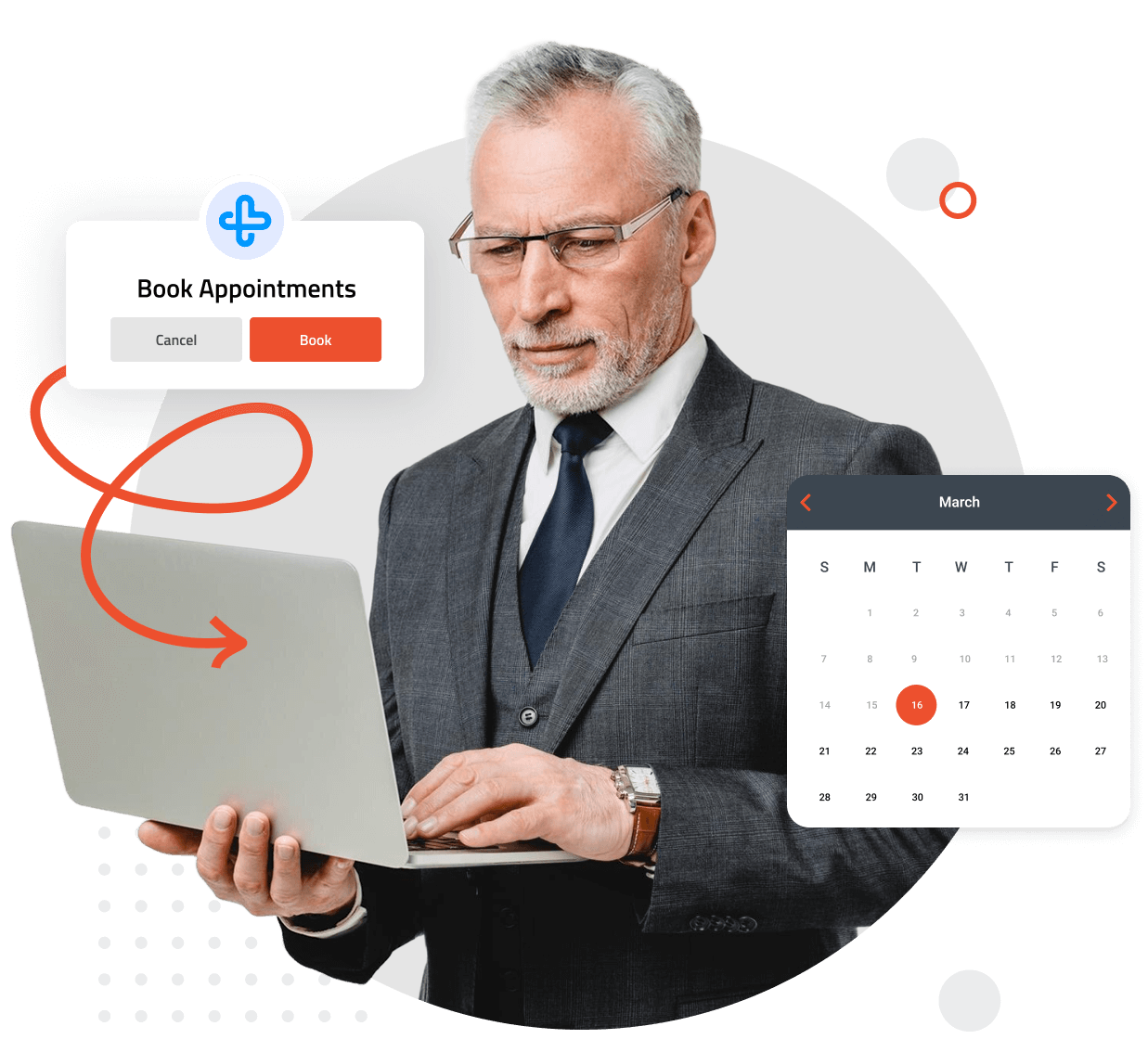
Give your patients the convenience they expect with online patient scheduling. No more phone tag or long hold times—patients can book appointments anytime, anywhere, from their computer or mobile device. With an intuitive interface and real-time availability, scheduling a visit has never been easier. Provide a seamless experience while freeing up your staff to focus on patient care.
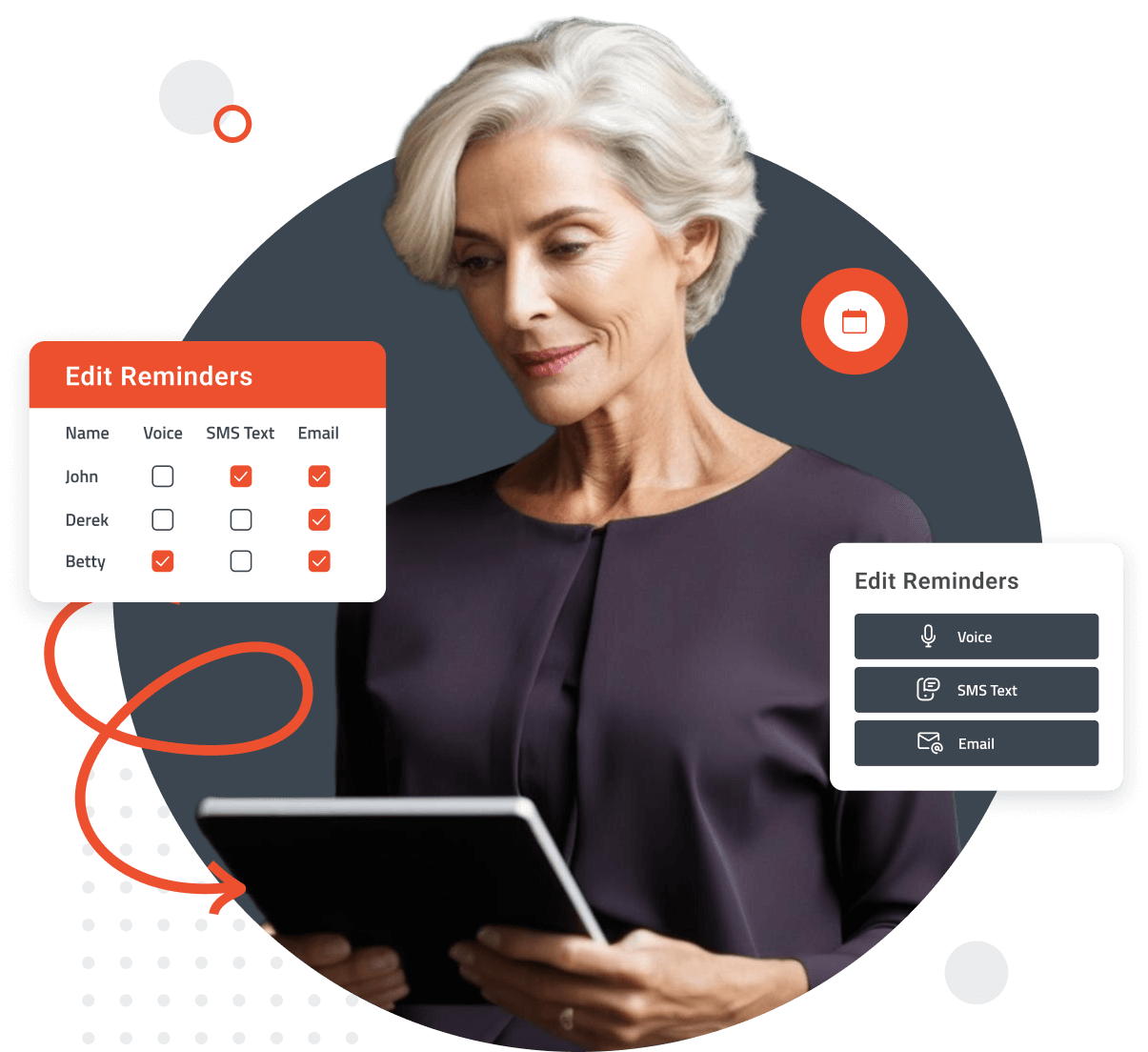
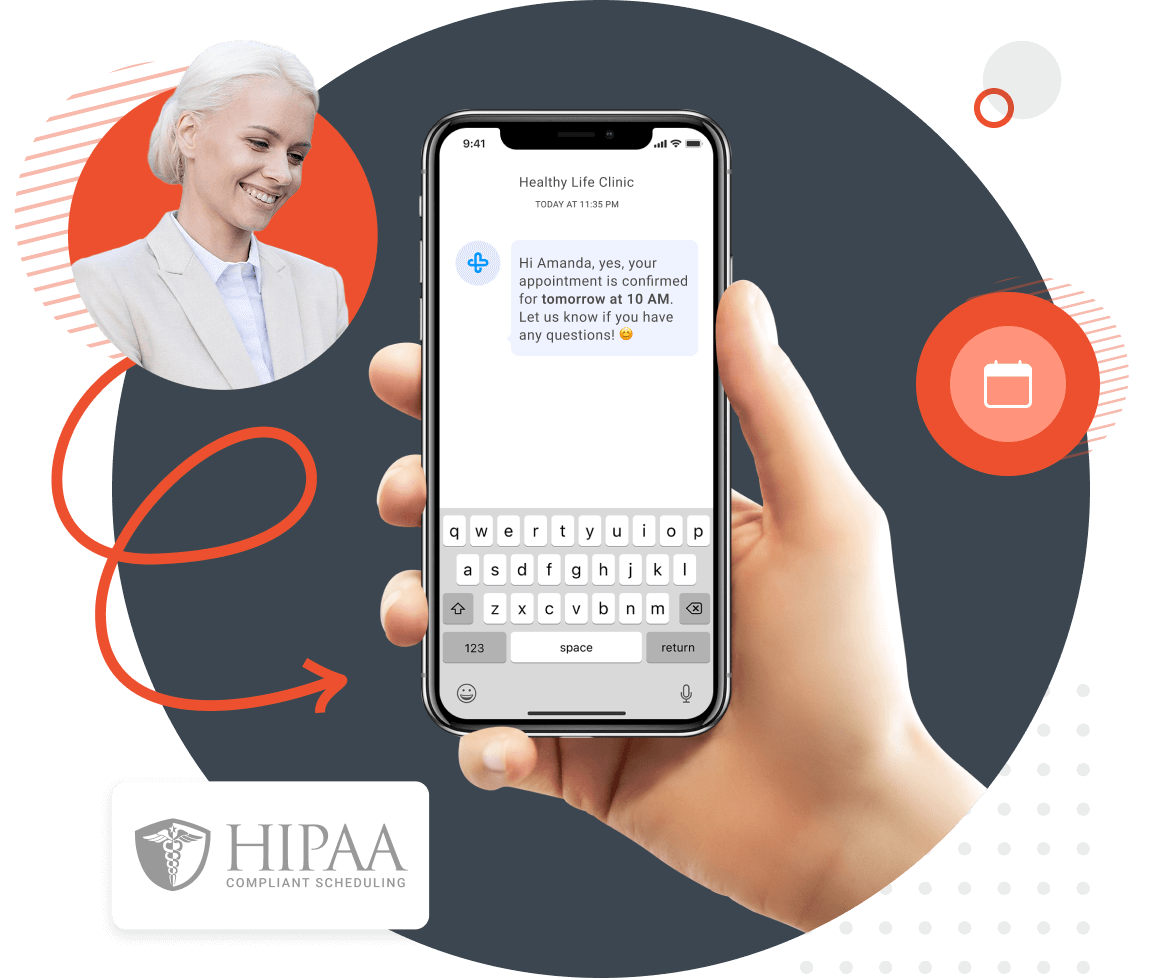
Missed appointments can disrupt your schedule and impact patient care. FormDr’s online scheduling system automatically sends confirmation texts and reminders to ensure patients show up on time. With built-in rescheduling options, they can easily adjust their appointments without calling your office. Keep your calendar full and your patients engaged with effortless appointment management.
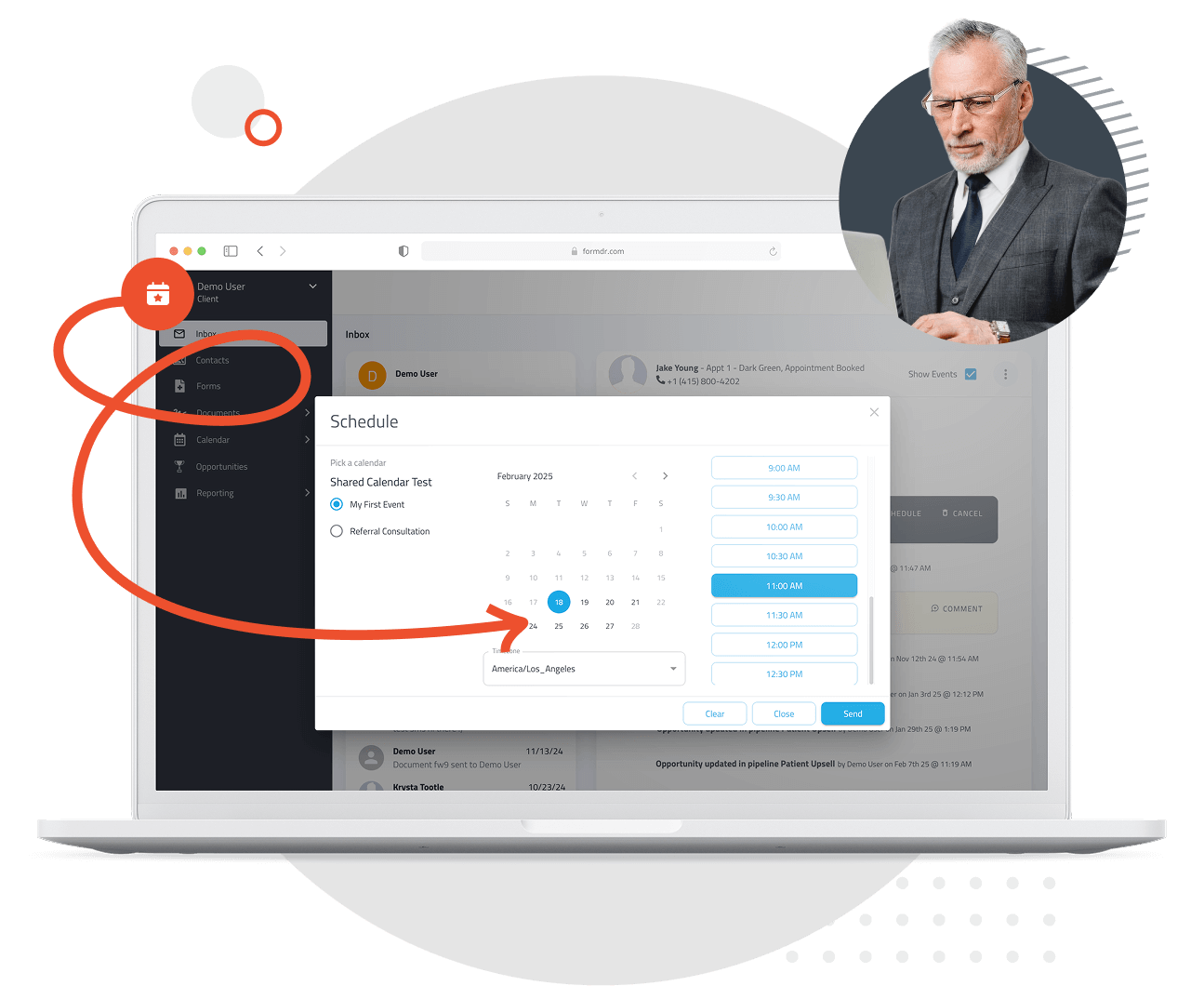
Streamline your front desk operations with FormDr’s online patient scheduling. By automating appointment bookings, cancellations, and modifications, your staff can focus on providing quality care instead of managing phone calls. With real-time availability updates and easy integration with your existing system, you’ll optimize workflow and enhance productivity—saving time for both your team and your patients.
Patient data security is non-negotiable. FormDr’s online scheduling solution is fully HIPAA-compliant, ensuring that all patient information remains private and protected. Whether booking a routine check-up or a specialized consultation, your patients can trust that their data is secure. Offer the convenience of online scheduling without compromising on confidentiality and compliance.
FormDoctor gives your practice one HIPAA-compliant platform to collect forms, communicate with patients, and automate follow-up. We help practices who:
Have your patient enter information once and have it autocomplete throughout your medical form online. Automatically populate PHI directly into additional fields and medical consent forms.

Always get the information you need with required fields. Patients can only submit when they complete all of your required fields. Never receive an incomplete medical form again.
Combine multiple pages into an online form packet. Have your patients fill out their medical history, consent to treat, and demographics all in one new patient intake form packet.

Collect electronic patient signatures before the appointment. Easily give your patients the ability to digitally sign from their phone, tablet, or computer.