
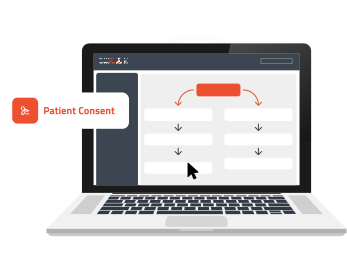
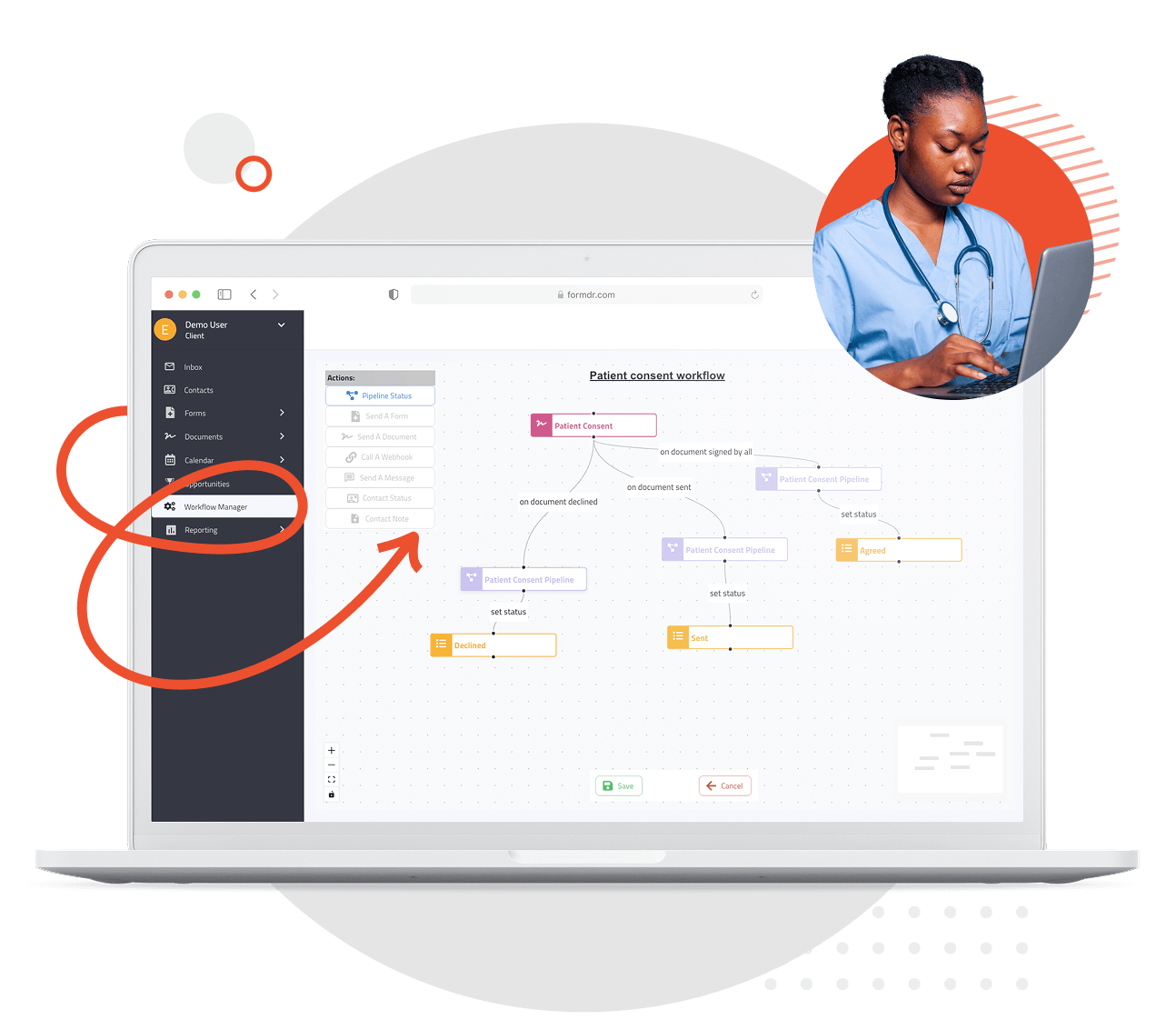
Say goodbye to complex, time-consuming processes. FormDr’s drag-and-drop workflow builder lets you create custom automation in minutes—no coding or technical expertise needed. Simply drag tasks, triggers, and actions into place to design seamless workflows that fit your practice’s needs. From patient onboarding to appointment reminders, streamline operations effortlessly.
Why waste time on repetitive tasks when you can automate them? With FormDr’s workflow builder, you can set up automated processes for scheduling, billing, follow-ups, and more. Reduce administrative workload, minimize human error, and ensure every step in your workflow is executed smoothly—so your team can focus on delivering top-quality patient care.
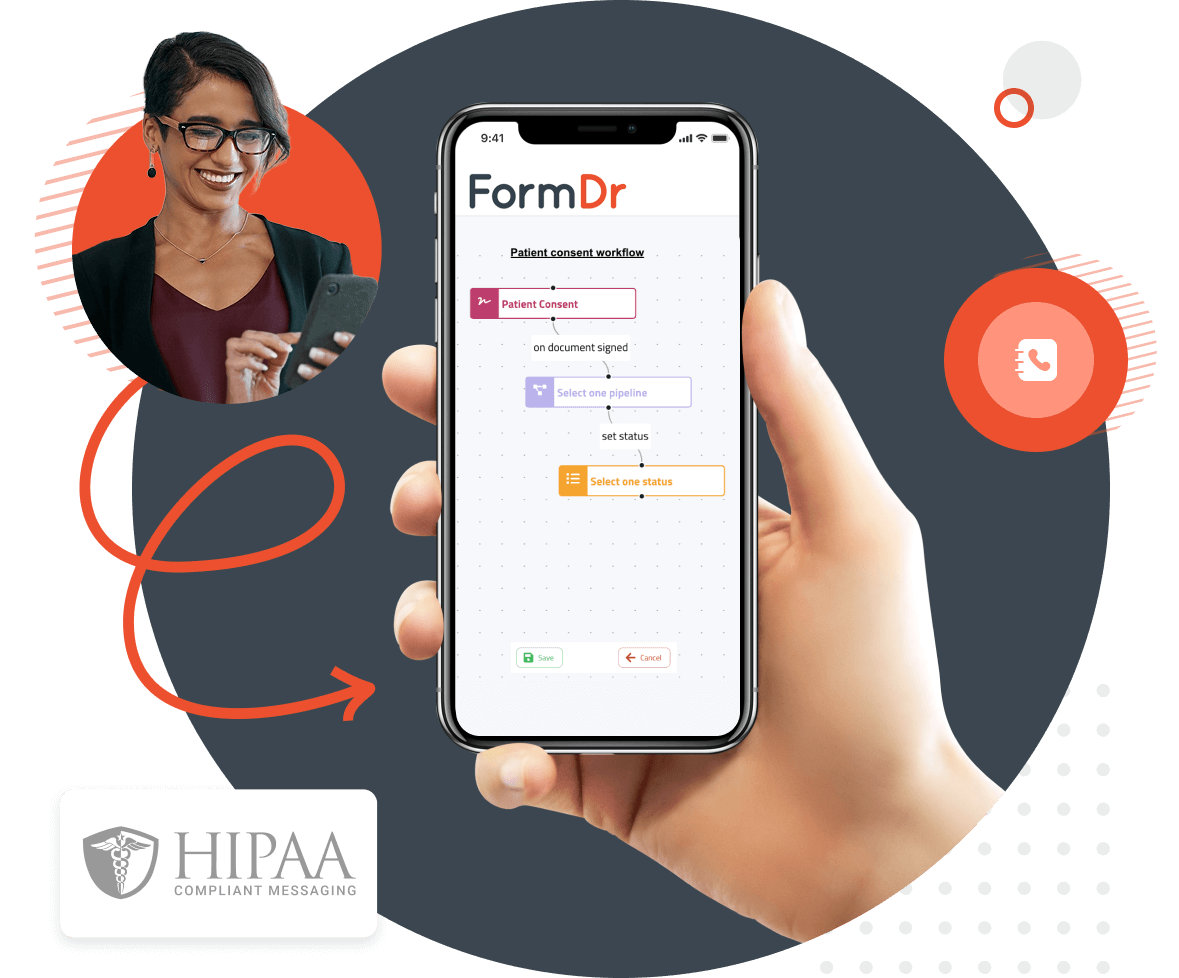
Every healthcare practice operates differently, which is why flexibility is key. FormDr’s drag-and-drop workflow builder allows you to tailor automation to match your unique needs. Whether you need multi-step approval processes, condition-based triggers, or seamless integrations with your existing systems, you have full control over how your workflows function.
Trust that your workflows are built with security in mind. FormDr’s workflow builder is fully HIPAA-compliant, ensuring that patient data remains protected while automating sensitive processes. Plus, as your practice grows, you can easily scale and modify workflows without disruption—keeping your operations efficient and compliant at all times.
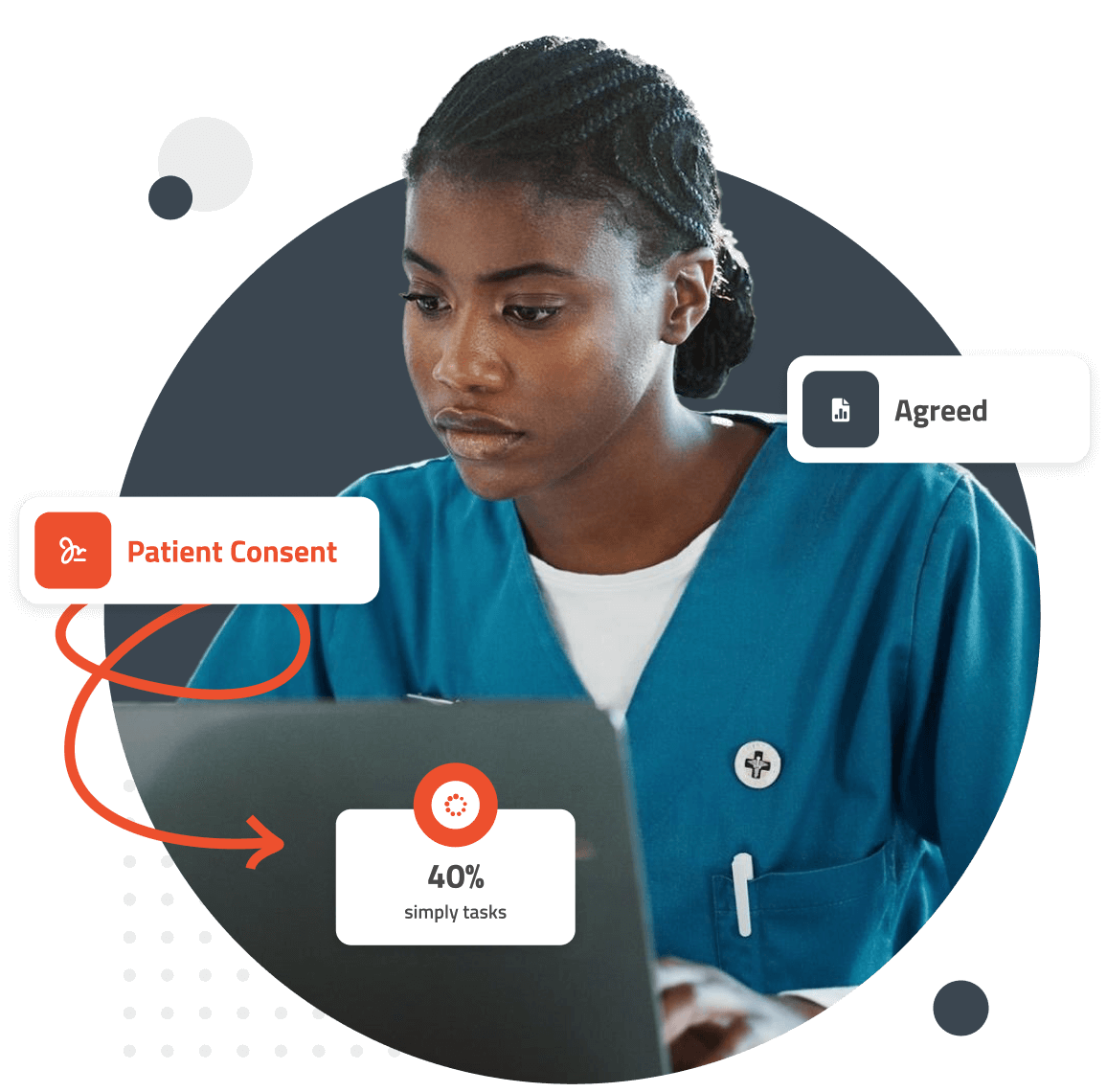
FormDoctor gives your practice one HIPAA-compliant platform to collect forms, communicate with patients, and automate follow-up. We help practices who:
Have your patient enter information once and have it autocomplete throughout your medical form online. Automatically populate PHI directly into additional fields and medical consent forms.
Always get the information you need with required fields. Patients can only submit when they complete all of your required fields. Never receive an incomplete medical form again.
Combine multiple pages into an online form packet. Have your patients fill out their medical history, consent to treat, and demographics all in one new patient intake form packet.

Collect electronic patient signatures before the appointment. Easily give your patients the ability to digitally sign from their phone, tablet, or computer.