

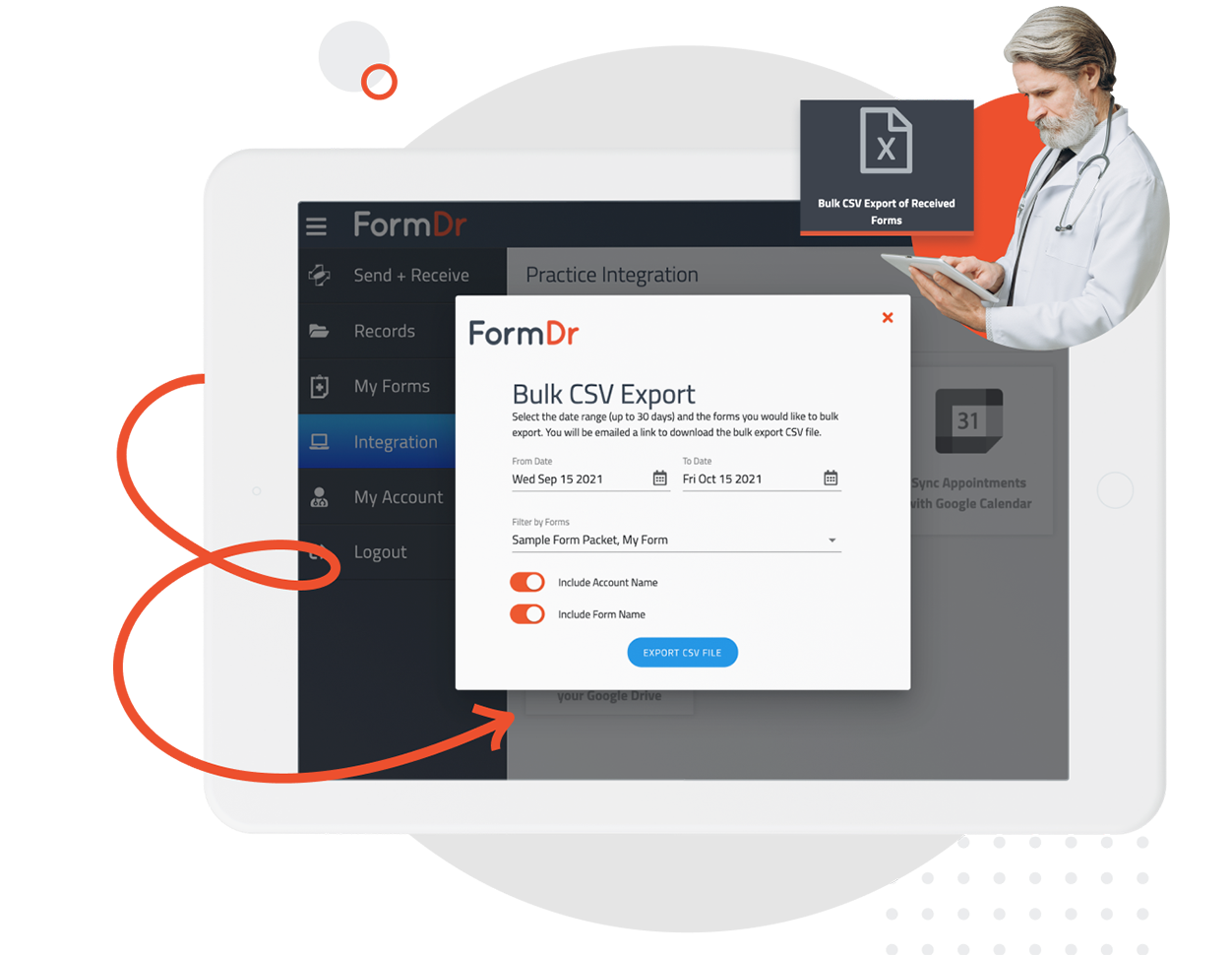
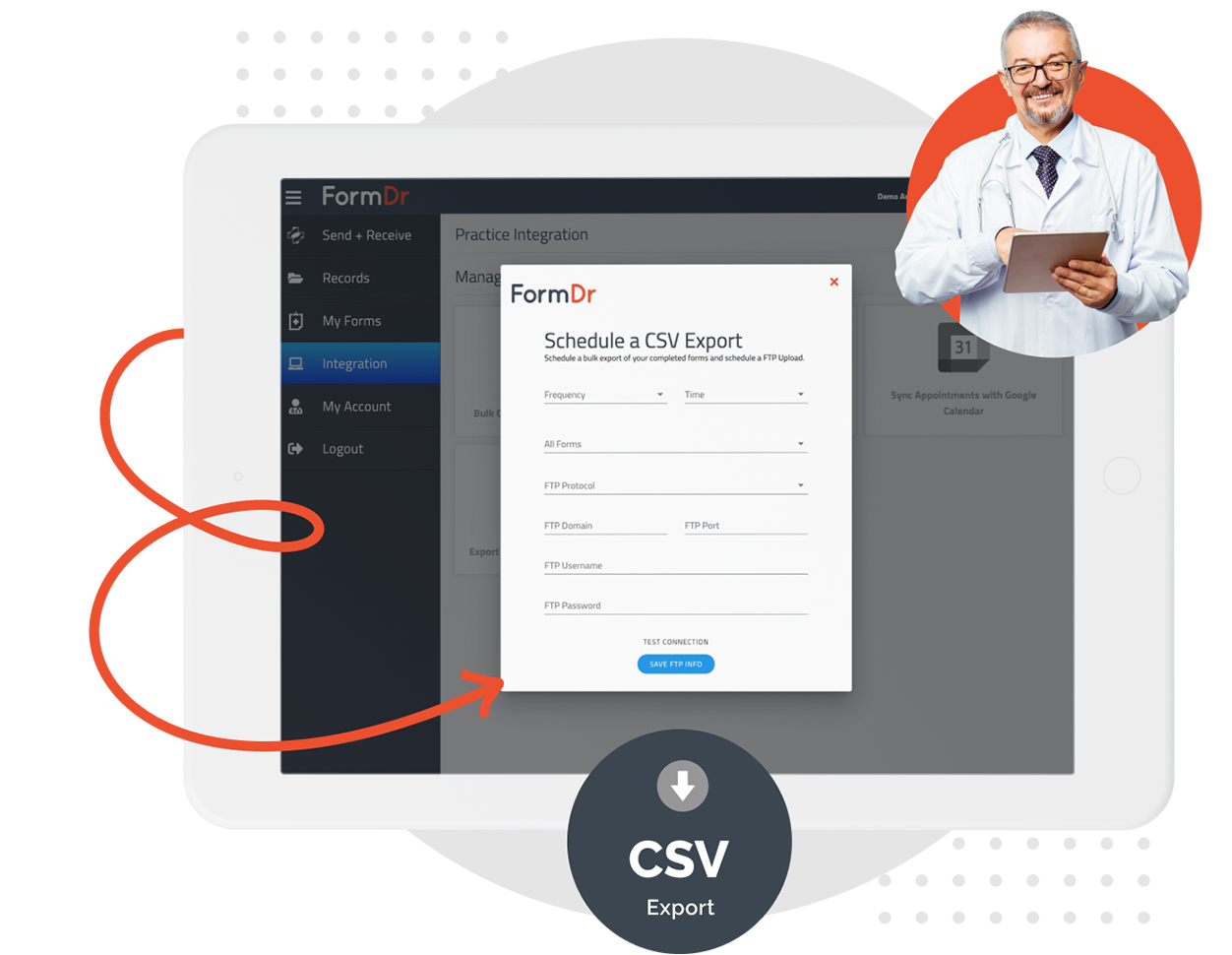
Generate a bulk export of patient submissions that will be saved as a CSV Excel file. Select your frequency, time of day to export, and which forms you would like to export submissions from. Then configure your transfer protocol.
Both SFTP and FTP-SSL are secured by an extra layer of encryption.
Securely export your patient submissions by connecting to your server over FTP-SSL (Explicit Auth TLS) or by SFTP (SSH File Transfer Protocol).
Either transfer protocol uses encryption and a 256-bit key to transfer your data safely and securely to your server.

With FormDr, your PHI will remain encrypted in both transit and at rest. Your data will be secured with all of the physical, technical, and administrative safeguards to remain HIPAA compliant. A business associate agreement is included with your account.
Set the export schedule that works best for you. Configure your export to occur on a daily, weekly, or monthly basis. You can also set a specific time of day that your submissions are transferred.
Test your connection by sending a sample CSV Excel export to your server before starting your scheduled export.
FormDoctor gives your practice one HIPAA-compliant platform to collect forms, communicate with patients, and automate follow-up. We help practices who:

Have your patient enter information once and have it autocomplete throughout your medical form online. Automatically populate PHI directly into additional fields and medical consent forms.

Always get the information you need with required fields. Patients can only submit when they complete all of your required fields. Never receive an incomplete medical form again.
Combine multiple pages into an online form packet. Have your patients fill out their medical history, consent to treat, and demographics all in one new patient intake form packet.

Collect electronic patient signatures before the appointment. Easily give your patients the ability to digitally sign from their phone, tablet, or computer.