
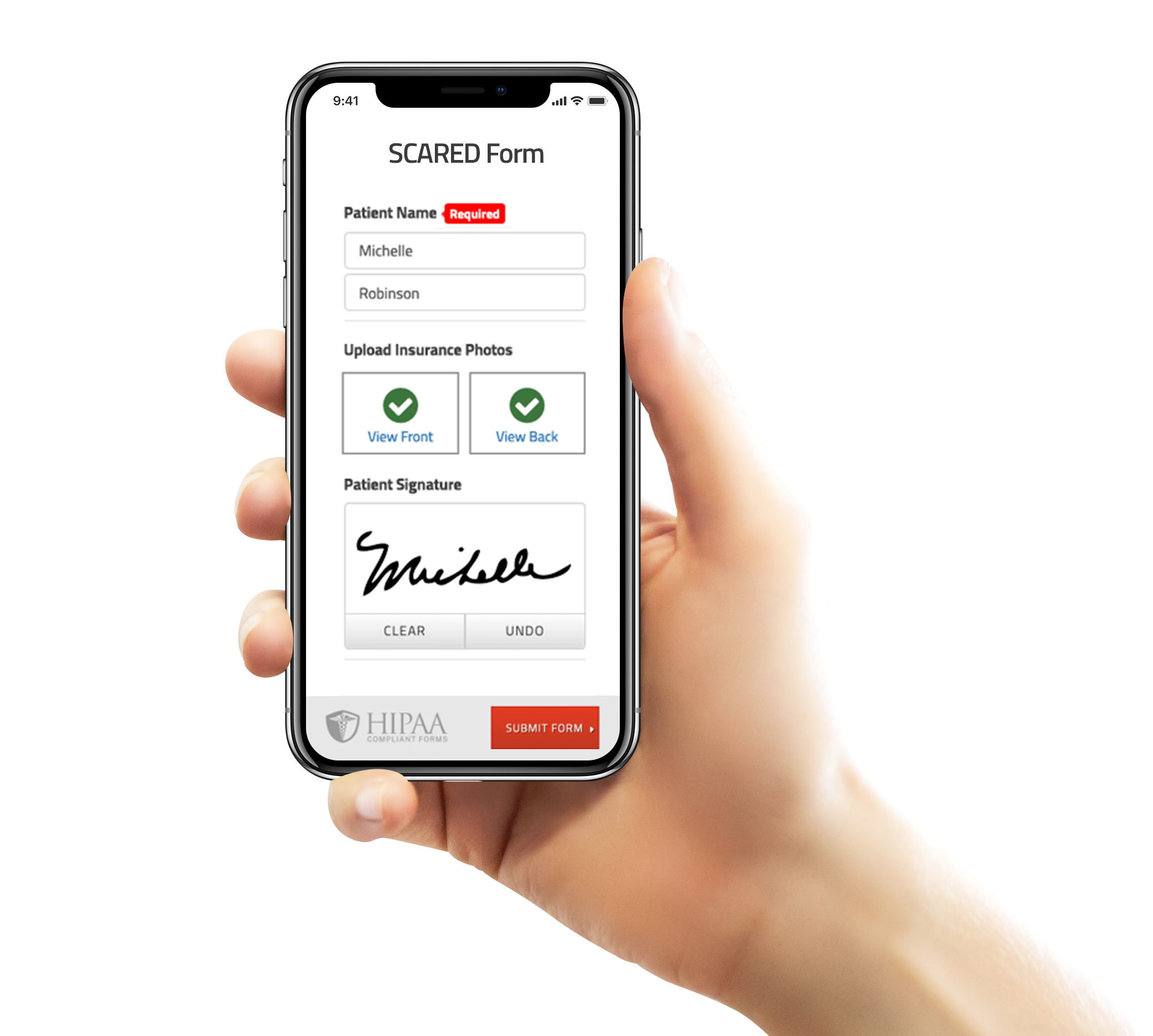
The SCARED is a child and parent self-report instrument used to screen for childhood anxiety disorders including general anxiety disorder, separation anxiety disorder, panic disorder and social phobia. In addition, it assesses symptoms related to school phobia.
The SCARED is a child and parent self-report instrument used to screen for childhood anxiety disorders including general anxiety disorder, separation anxiety disorder, panic disorder and social phobia. In addition, it assesses symptoms related to school phobia. The SCARED consists of 41 items and 5 factors that parallel the DSM-IV classification of anxiety disorders.
The child and parent versions of the SCARED have moderate parent-child agreement and good internal consistency, test-retest reliability, and discriminant validity, and it is sensitive to treatment response. Birmaher, B., Brent, D. A., Chiappetta, L., Bridge, J., Monga, S., & Baugher, M. (1999). Psychometric properties of the Screen for Child Anxiety Related Emotional Disorders (SCARED): A replication study. Journal of the American Academy of Child and Adolescent Psychiatry, 38(10), 1230–6. Read more about the SCARED Form.
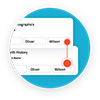
Have your patient enter information once and have it autocomplete throughout your medical form online. Automatically populate PHI directly into additional fields and medical consent forms.
Always get the information you need with required fields. Patients can only submit when they complete all of your required fields. Never receive an incomplete medical form again.
Combine multiple pages into an online form packet. Have your patients fill out their medical history, consent to treat, and demographics all in one new patient intake form packet.

Collect electronic patient signatures before the appointment. Easily give your patients the ability to digitally sign from their phone, tablet, or computer.
FormDoctor gives your practice one HIPAA-compliant platform to collect forms, communicate with patients, and automate follow-up. We help practices who: