
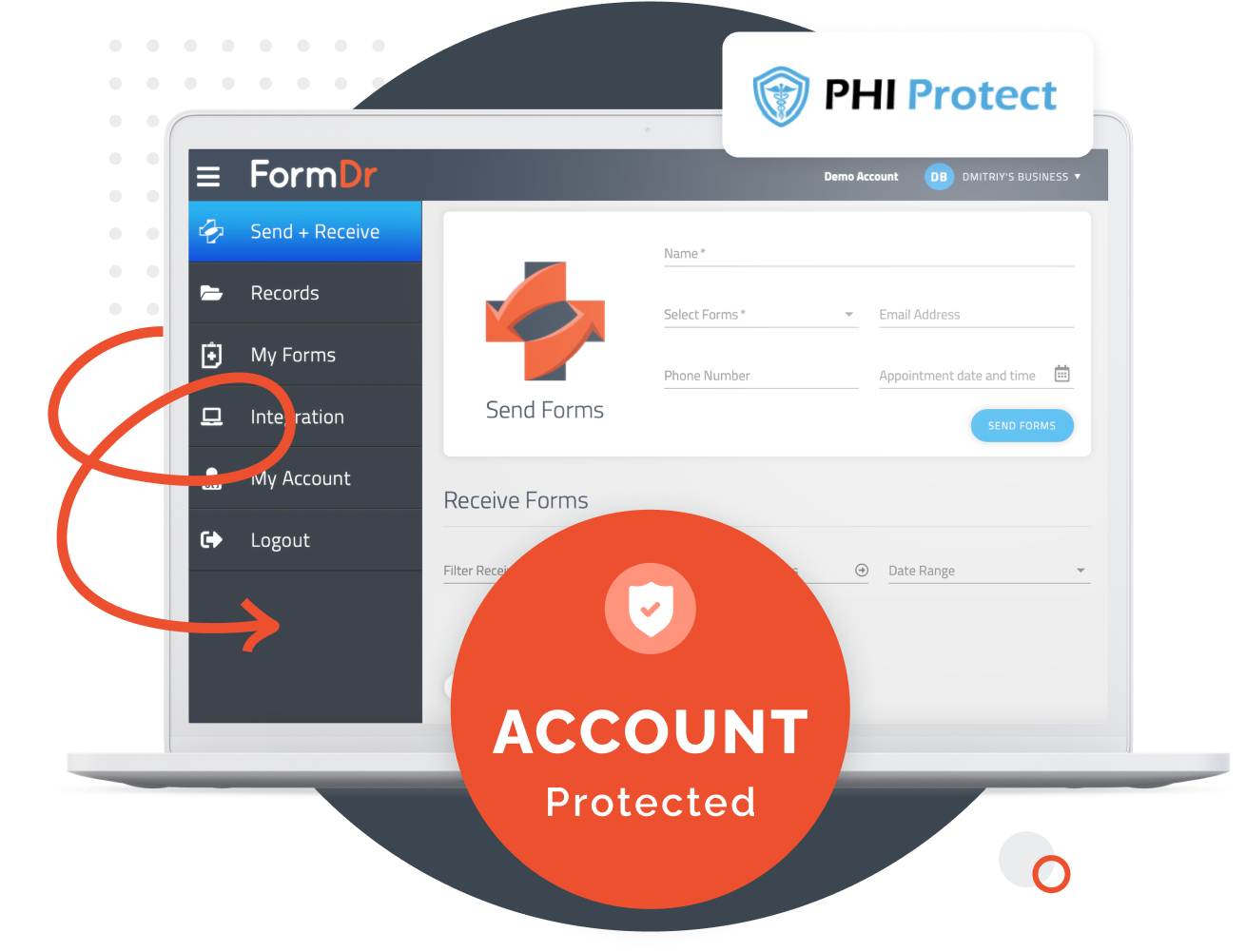
Your patients’ data is encrypted in transit using industry-standard TLS. All PHI is encrypted in transit and at rest — while being submitted to your account and while stored in our database. Every submission path is encrypted, and access to submitted PHI is logged.
Under HIPAA, PHI is considered to be “any identifiable health information that is used, maintained, stored, or transmitted by a HIPAA-covered entity.” ePHI works the same way as PHI does, but it includes information that is created, stored, or transmitted electronically. This could include systems that operate with a cloud database or transmitting patient information via email.
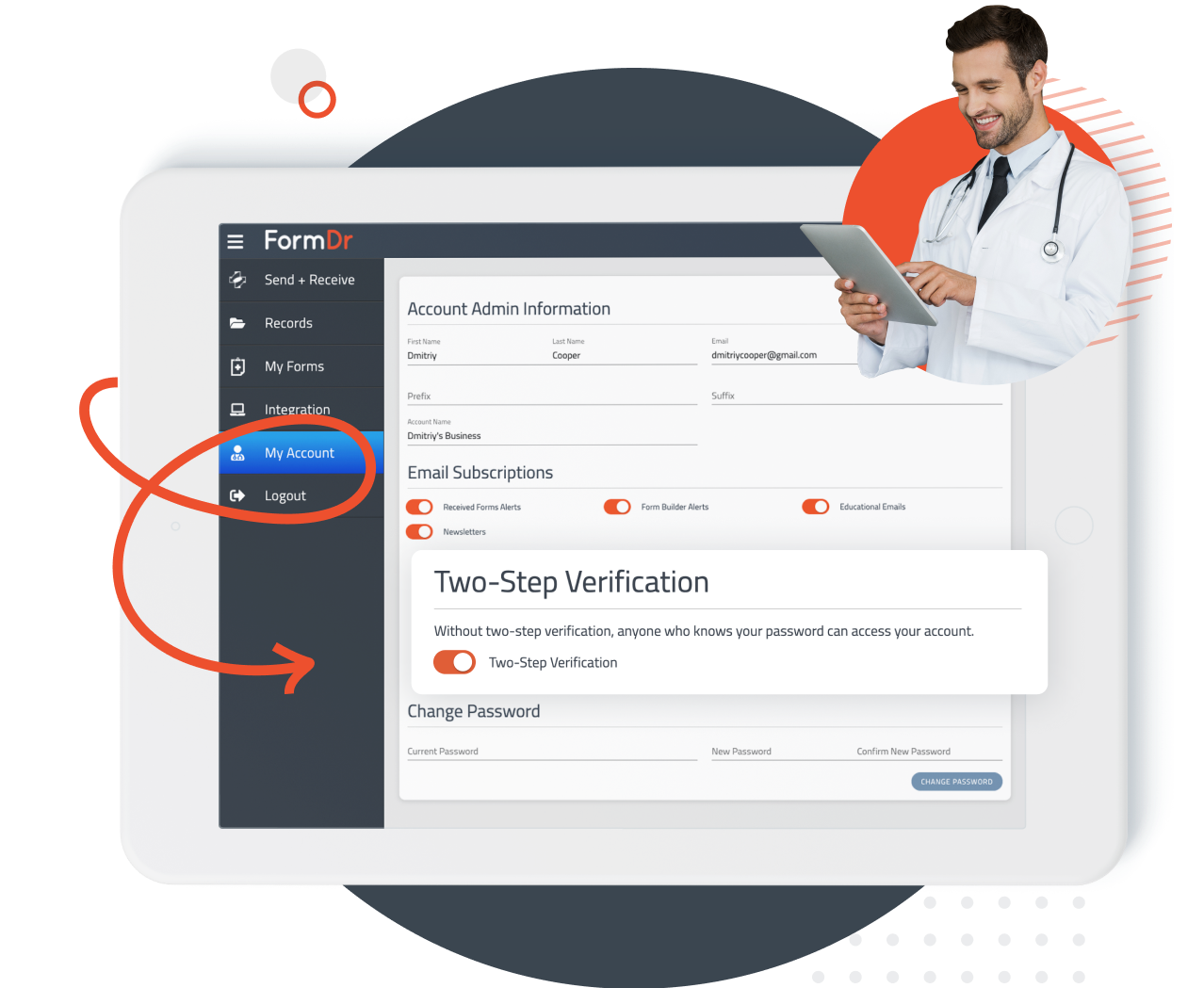
Your account is protected by the physical, technical, and administrative safeguards required for HIPAA compliance. FormDr provides the audit trails, access controls, and BAA you need to document and demonstrate compliance in your own practice.
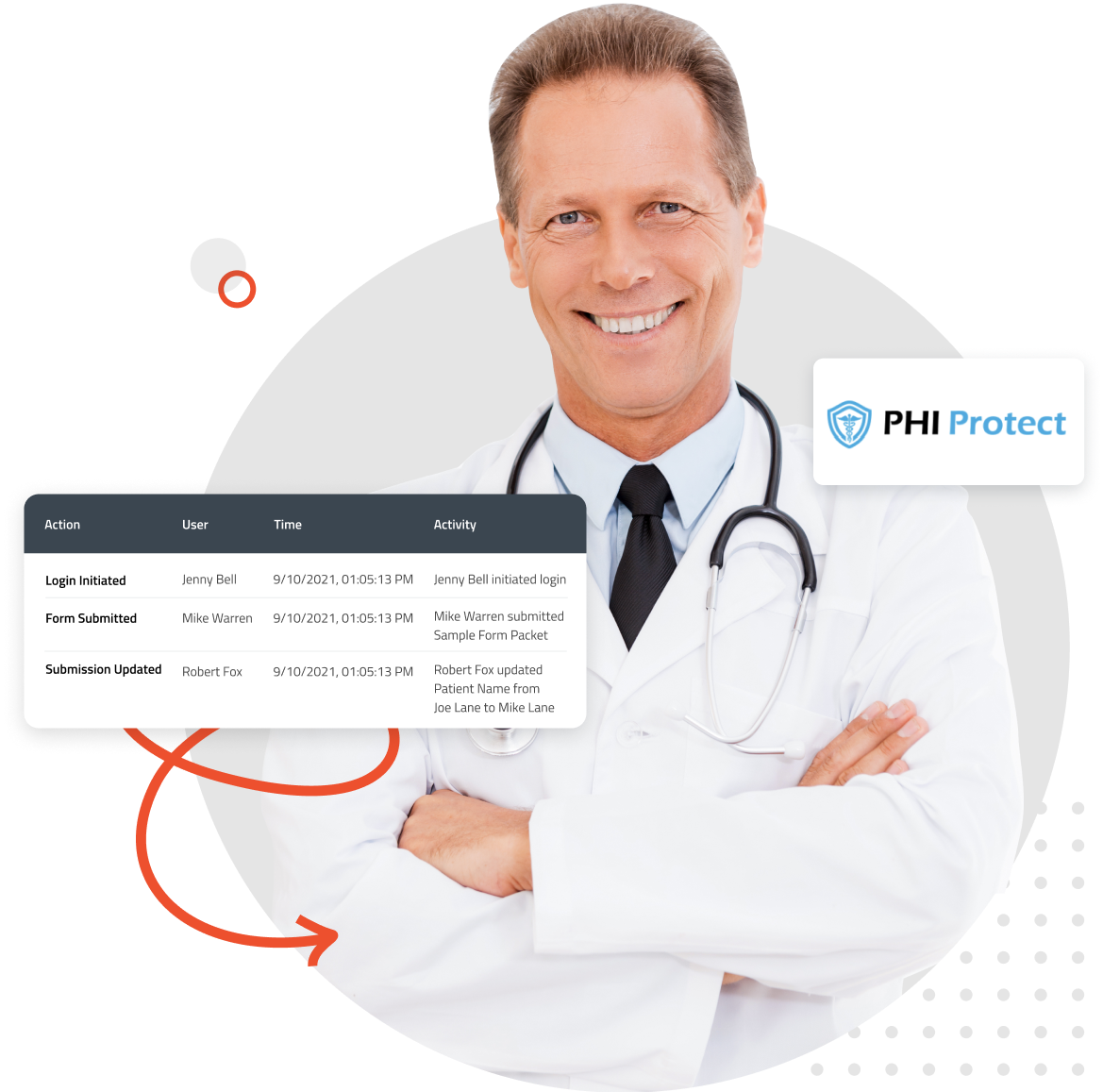
Keep detailed records of who has accessed your account and viewed sensitive PHI. Your account will keep a detailed audit log of all users’ actions, dates, and times that events took place on your account. Track login attempts, the IP address, device, and location of all users that are accessing your account. Monitor your account’s history and see what actions your users are performing.
FormDoctor gives your practice one HIPAA-compliant platform to collect forms, communicate with patients, and automate follow-up. We help practices who:
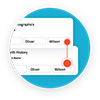
Have your patient enter information once and have it autocomplete throughout your medical form online. Automatically populate PHI directly into additional fields and medical consent forms.

Always get the information you need with required fields. Patients can only submit when they complete all of your required fields. Never receive an incomplete medical form again.

Combine multiple pages into an online form packet. Have your patients fill out their medical history, consent to treat, and demographics all in one new patient intake form packet.

Collect electronic patient signatures before the appointment. Easily give your patients the ability to digitally sign from their phone, tablet, or computer.