
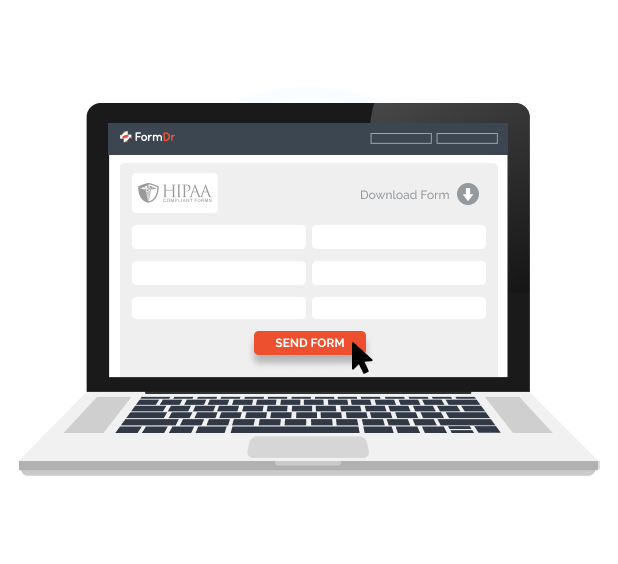

Give your patients the ability to submit their forms online. Set up HIPAA compliant online forms to give your patients the ability to fill out your forms with their phone, tablet, or computer.
Securely receive HIPAA compliant online form submissions. All patient data is encrypted in transit and at rest and stored on secure, HIPAA compliant servers.
Collecting PHI has never been more secure with HIPAA compliant online form submissions. Patient data is encrypted and secured while the patient is completing your forms online.
Upon submission, PHI continues to be encrypted and transferred directly into your account. All data is stored in a compliant manner, with the physical, technical, and administrative safeguards required.


Receive an email notification the moment your patient submits a form. New patient submission emails will never contain PHI, only a message informing you that a submission has been received.
Securely review completed patient forms online, upload to your EMR/EHR, save as a PDF file, export to a CSV, or print patient submissions.
Receiving online form submissions simplifies your process and streamlines your collection of completed forms.
Add required fields to ensure patients aren’t submitting back forms that are missing information. Eliminate the back and forth and never receive an incomplete form again.
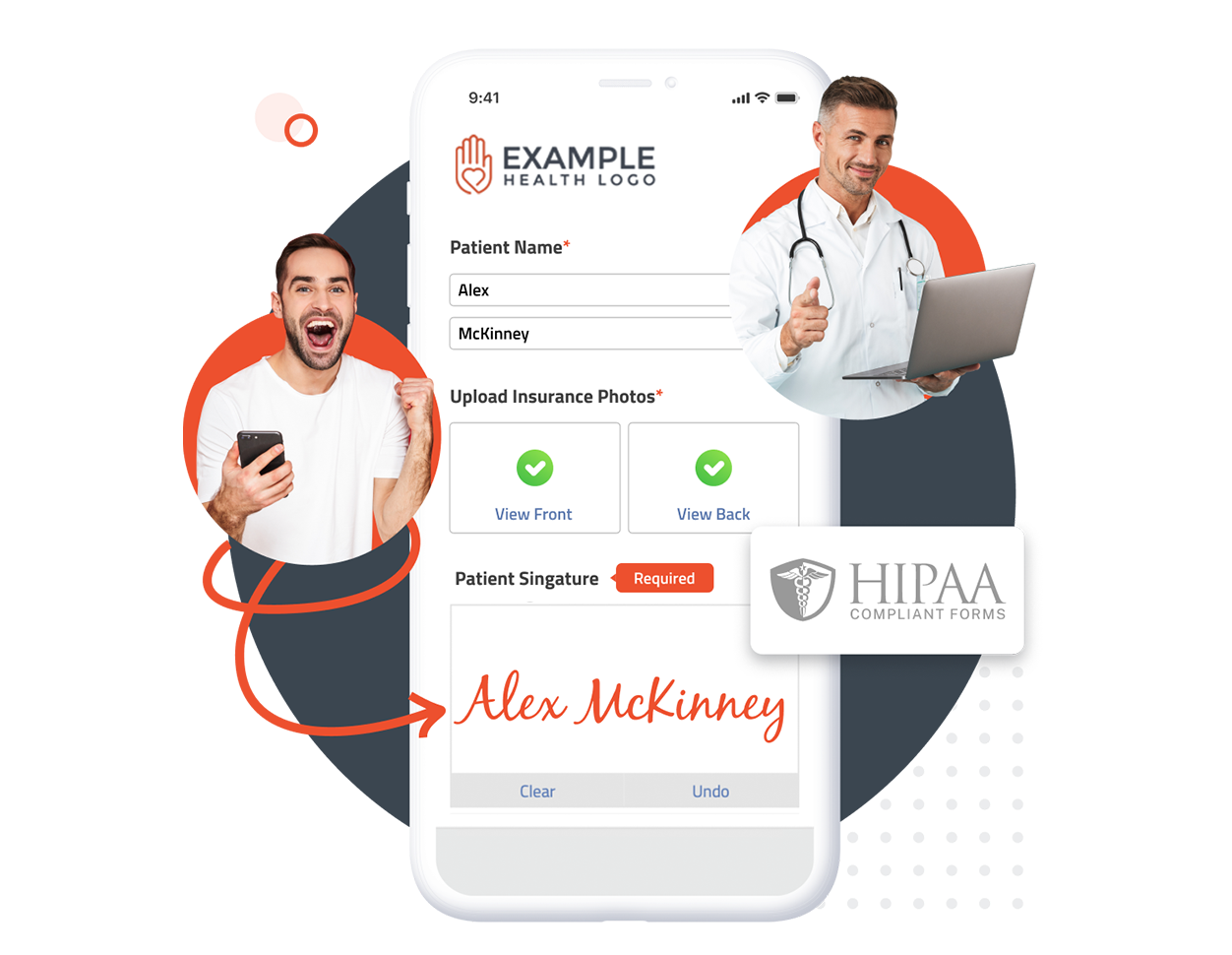
FormDoctor gives your practice one HIPAA-compliant platform to collect forms, communicate with patients, and automate follow-up. We help practices who:
Have your patient enter information once and have it autocomplete throughout your medical form online. Automatically populate PHI directly into additional fields and medical consent forms.

Always get the information you need with required fields. Patients can only submit when they complete all of your required fields. Never receive an incomplete medical form again.

Combine multiple pages into an online form packet. Have your patients fill out their medical history, consent to treat, and demographics all in one new patient intake form packet.

Collect electronic patient signatures before the appointment. Easily give your patients the ability to digitally sign from their phone, tablet, or computer.