

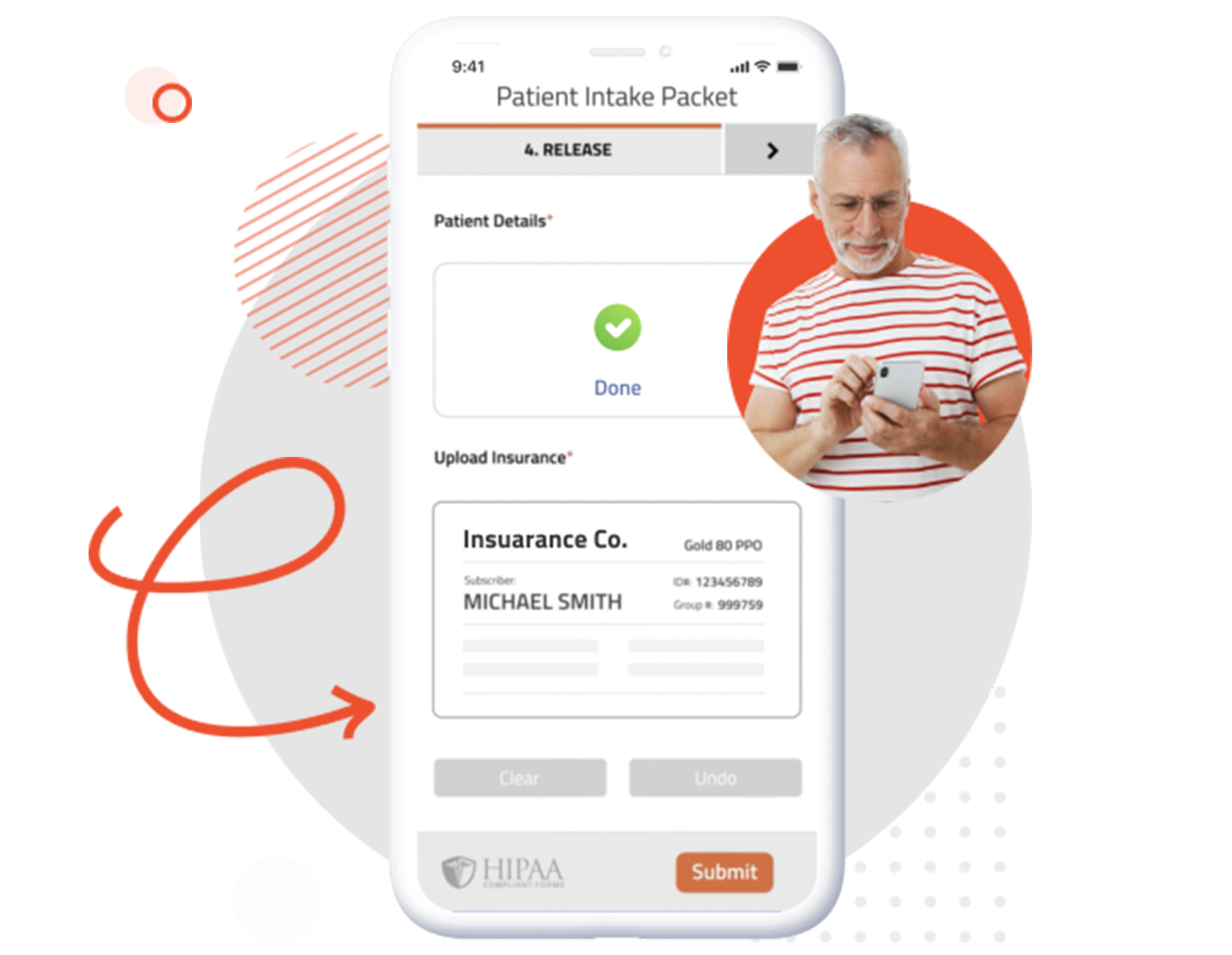
Still scanning your patient’s driver’s license or insurance card? Simplify your new patient intake by allowing your patient to take a picture of their insurance and ID cards.
New patients will automatically upload a photo of their information, so you can verify it before the appointment. Save time by collecting information via card photo uploads online and having patients submit your forms directly to you.
Patients simply use their phone, tablet, or computer to take a photo of their insurance or ID information.
Asking for the Insurance and ID information before the appointment gives the patient time to locate all of their cards that are required. FormDr customers save an average of 21 minutes per new patient when asking for forms to be completed online before the appointment versus their previous intake method of asking patients to fill out paper forms in-office.
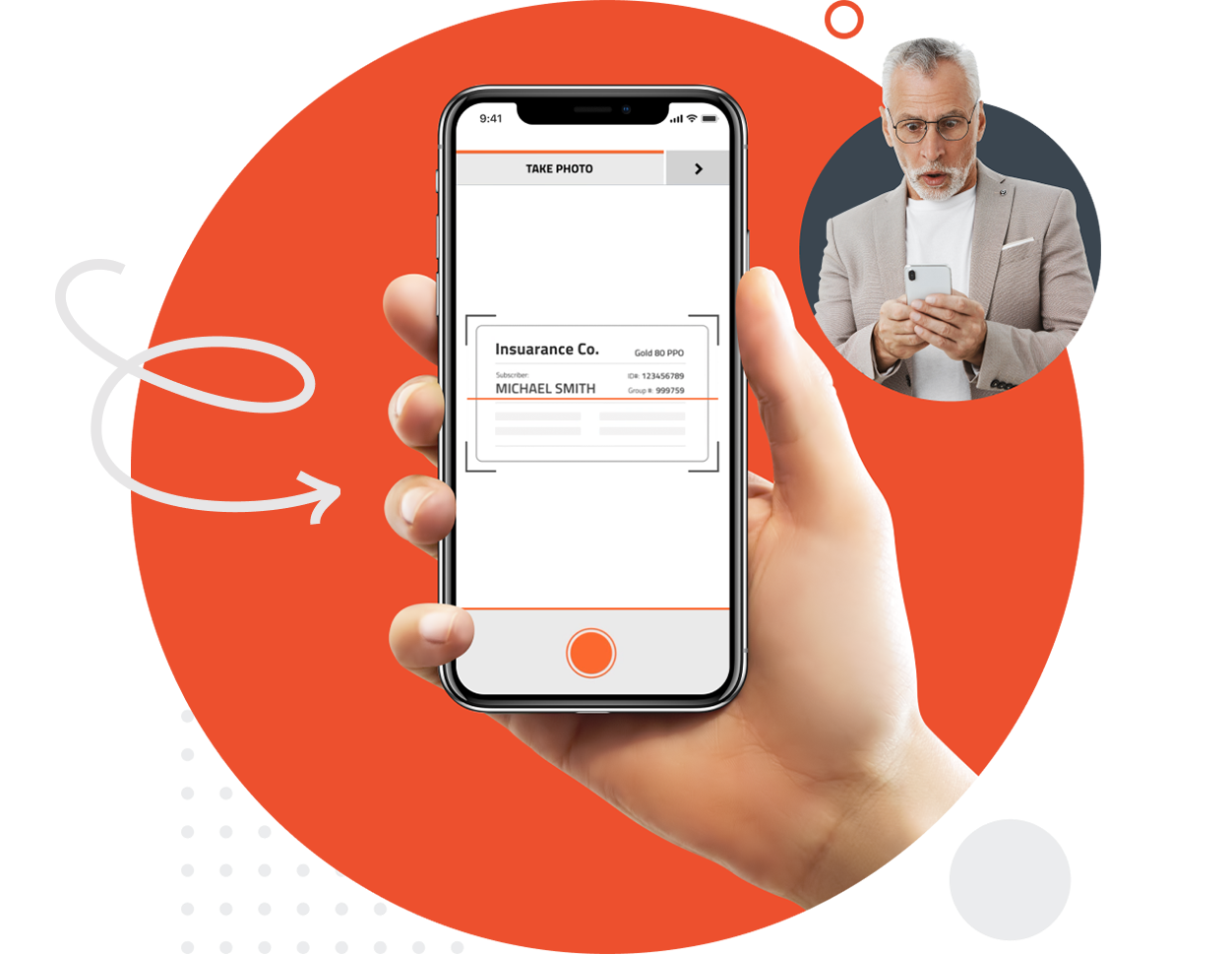
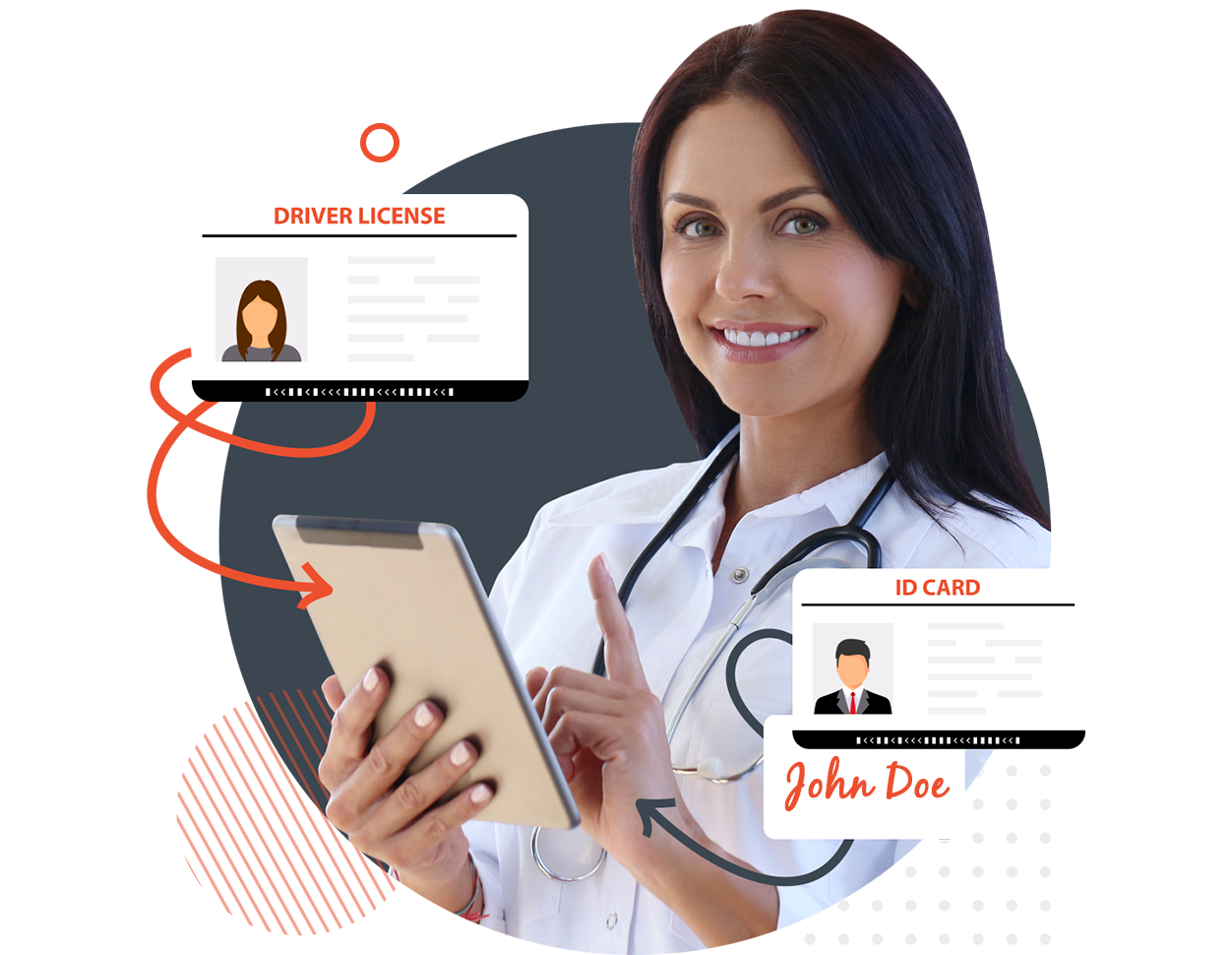
Ask your patient for a driver’s license with their signature. Confirm that the correct person has signed your forms by comparing the signature on the forms with the signature on the driver’s license.
Add an extra level of security and compliance by verifying your patient’s signature.
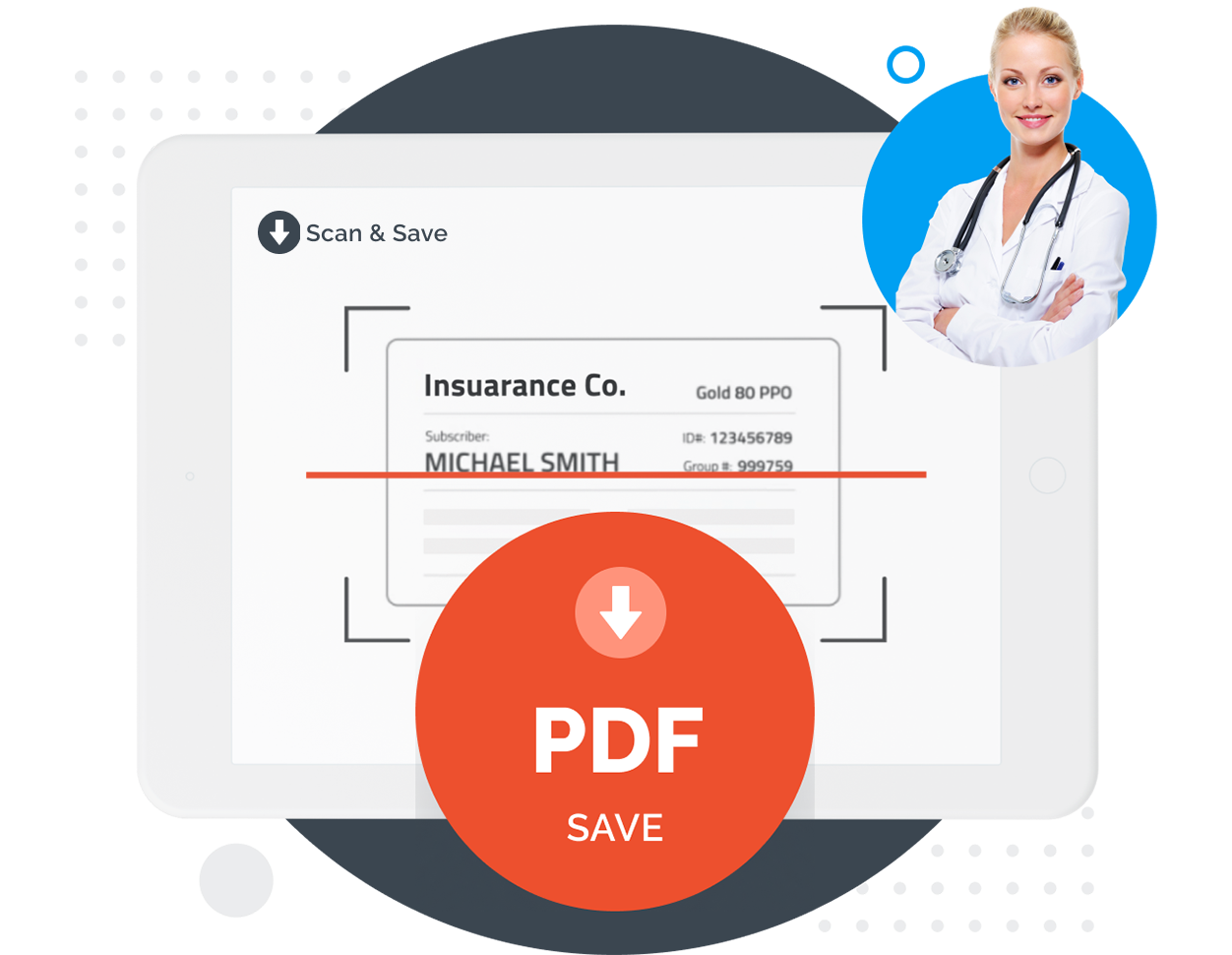
Asking for card photo uploads saves both you and the patient time during the appointment by not having to scan the card, save it as a PDF or image, and finally attach it to the patient’s record.
Start saving time by asking your patient for Insurance and ID information directly on your new patient form. Collecting this information before the appointment gives you time to verify the information is valid before uploading to the patient’s chart.
FormDoctor gives your practice one HIPAA-compliant platform to collect forms, communicate with patients, and automate follow-up. We help practices who:
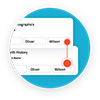
Have your patient enter information once and have it autocomplete throughout your medical form online. Automatically populate PHI directly into additional fields and medical consent forms.
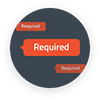
Always get the information you need with required fields. Patients can only submit when they complete all of your required fields. Never receive an incomplete medical form again.

Combine multiple pages into an online form packet. Have your patients fill out their medical history, consent to treat, and demographics all in one new patient intake form packet.

Collect electronic patient signatures before the appointment. Easily give your patients the ability to digitally sign from their phone, tablet, or computer.