
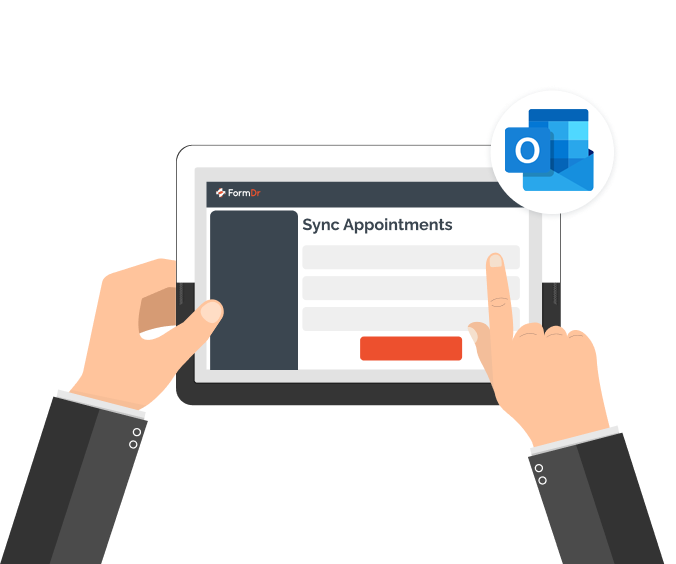
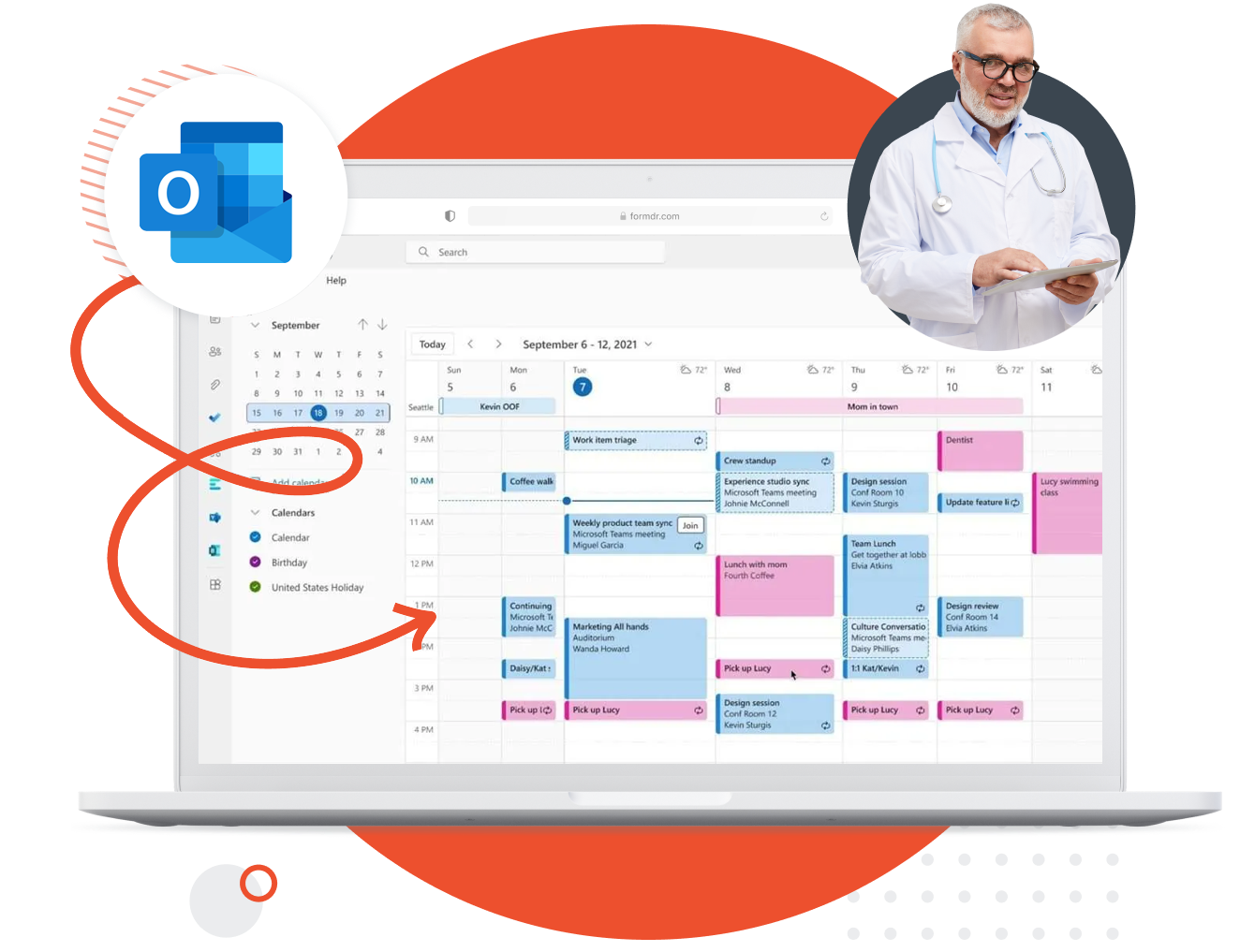
Authenticate your Outlook Calendar to receive appointment dates and times from your account. Automatically add calendar events, send automatic reminders, and seamlessly keep track of your schedule with one click.
No need to go back and forth, inputting appointments into multiple platforms. With Outlook Calendar integration, all of your scheduled appointments will populate into the calendar of your choosing.
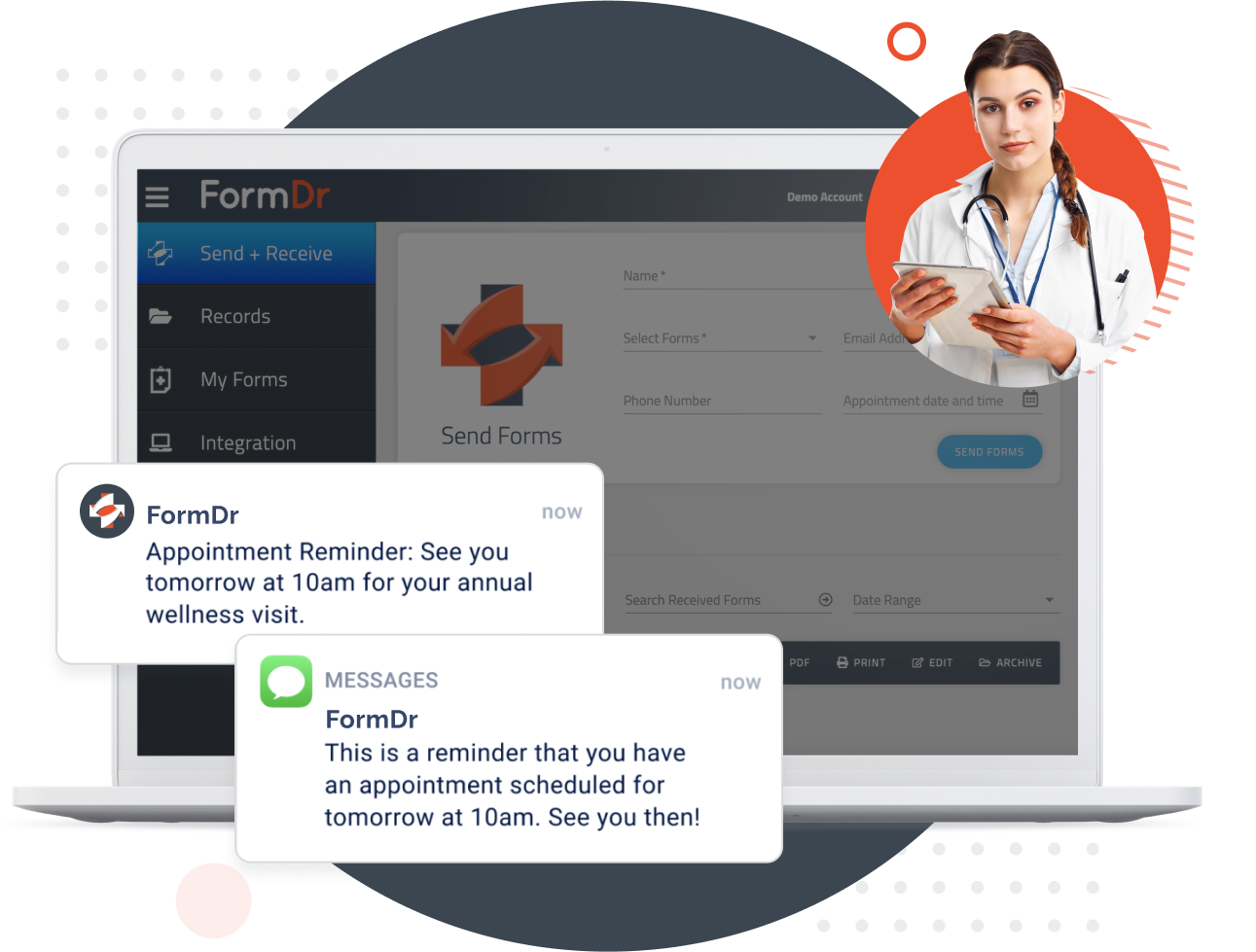
Reduce no-shows and increase the number of completed forms you receive before the appointment, with automated text message appointment reminders.
Include the patient’s appointment date and time with your text message invitation and automatically populate your Outlook Calendar. An automated reminder will go out before the appointment to prompt the patient to complete your forms.
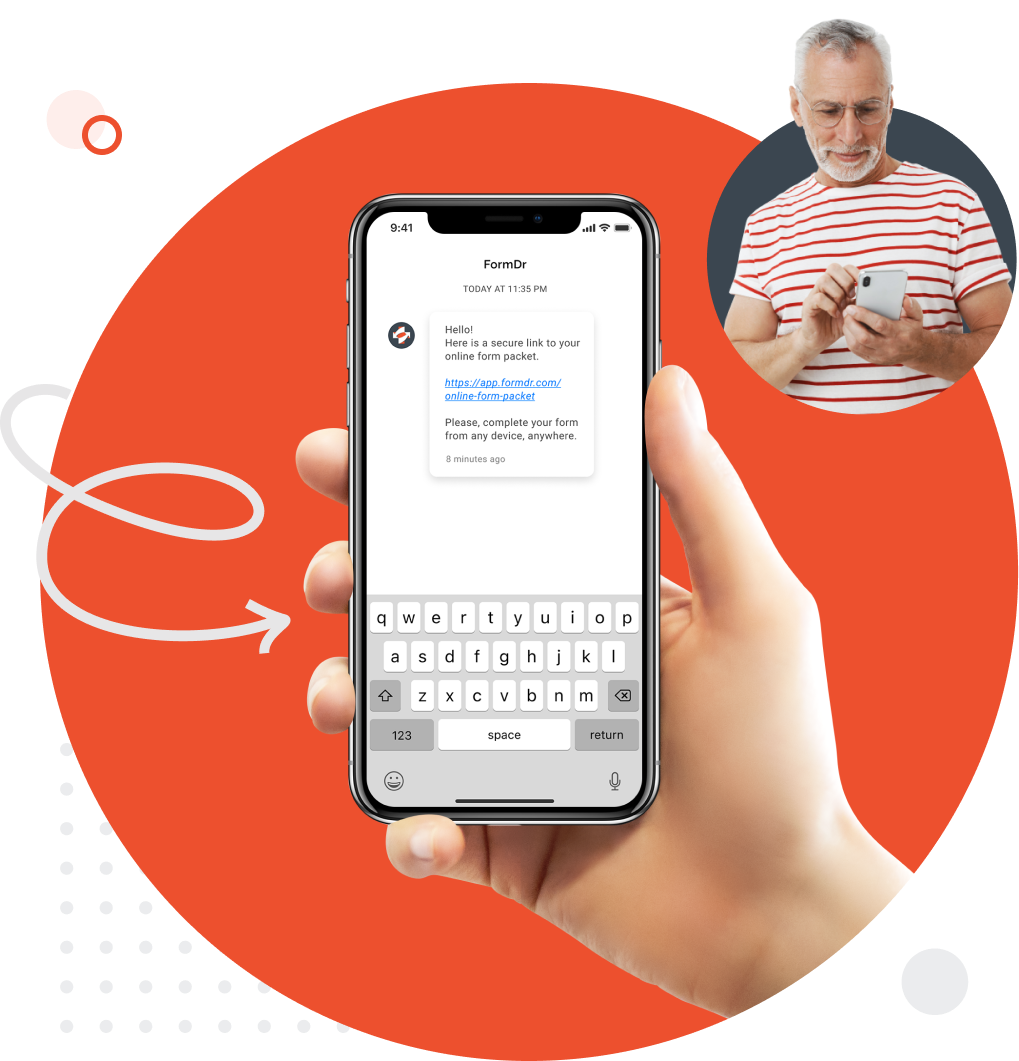
Track your patient’s progress from the text message and email invitations. Automatically update your Outlook Calendar with appointments while sending forms to patients.
Get notified as your patients open the secure forms link, send automated reminders, and receive an email notification when a patient has submitted HIPAA compliant forms online.
PHI is encrypted in transit over TLS and encrypted at rest. A Business Associate Agreement is included with your service.
FormDr gives your business everything needed to easily send and receive HIPAA compliant online forms. Your account is protected with all of the administrative, technical, and physical safeguards to maintain HIPAA compliance.

FormDoctor gives your practice one HIPAA-compliant platform to collect forms, communicate with patients, and automate follow-up. We help practices who:
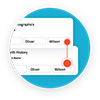
Have your patient enter information once and have it autocomplete throughout your medical form online. Automatically populate PHI directly into additional fields and medical consent forms.
Always get the information you need with required fields. Patients can only submit when they complete all of your required fields. Never receive an incomplete medical form again.
Combine multiple pages into an online form packet. Have your patients fill out their medical history, consent to treat, and demographics all in one new patient intake form packet.

Collect electronic patient signatures before the appointment. Easily give your patients the ability to digitally sign from their phone, tablet, or computer.