
Easily send and receive your HIPAA consent forms online. Send patients your online HIPAA consent form to fill out on their phone, tablet, or computer. Patients securely sign and submit completed HIPAA consent forms directly to your account online. Track the progress of new patient HIPAA consent forms, send automated reminders, and receive completed forms online.
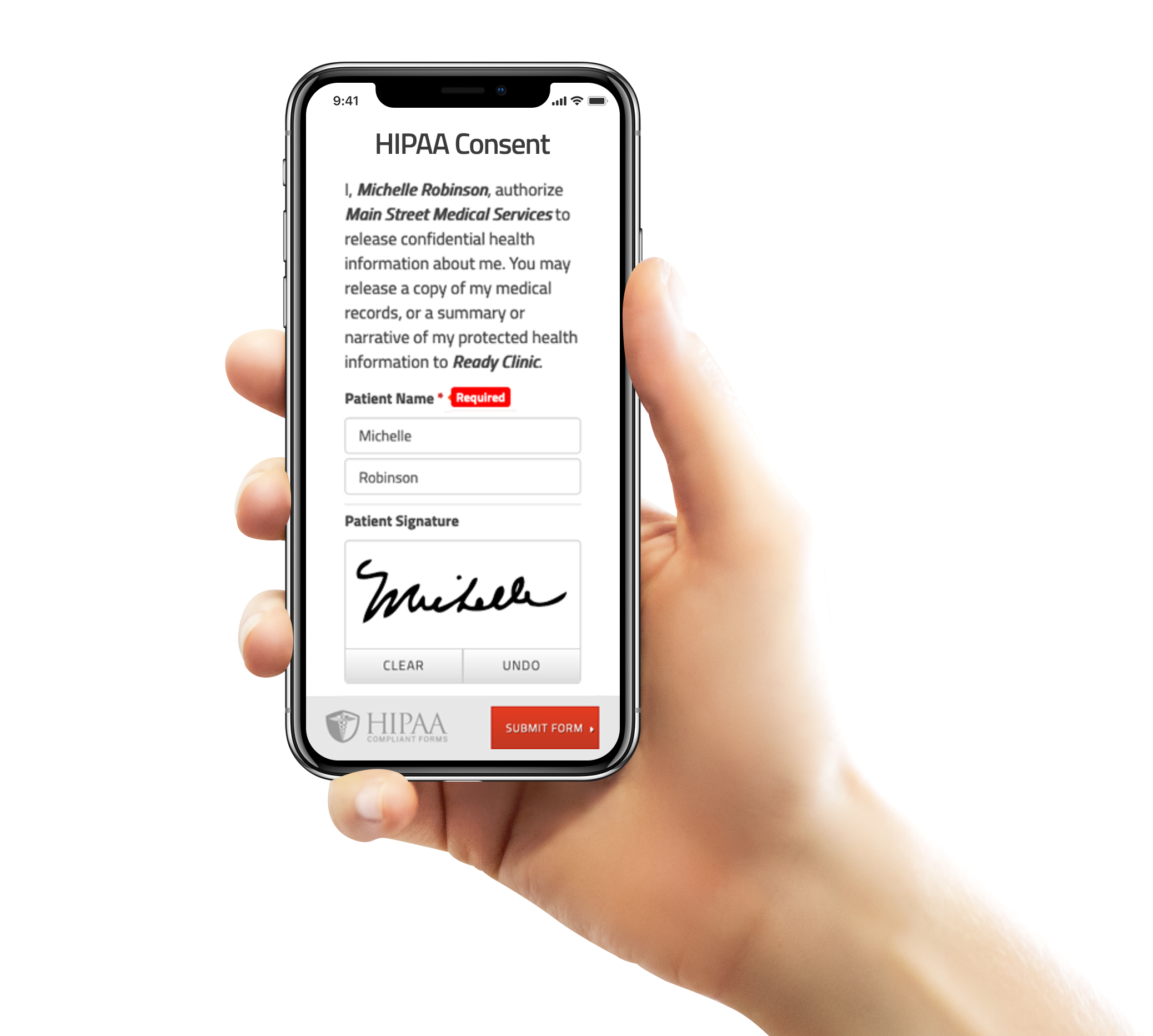
Give your patients the freedom to complete HIPAA consent forms with any device, anywhere. Streamline the way you collect signatures and consent forms by setting up your form online.
Easily personalize this release form template with a HIPAA compliant form builder.
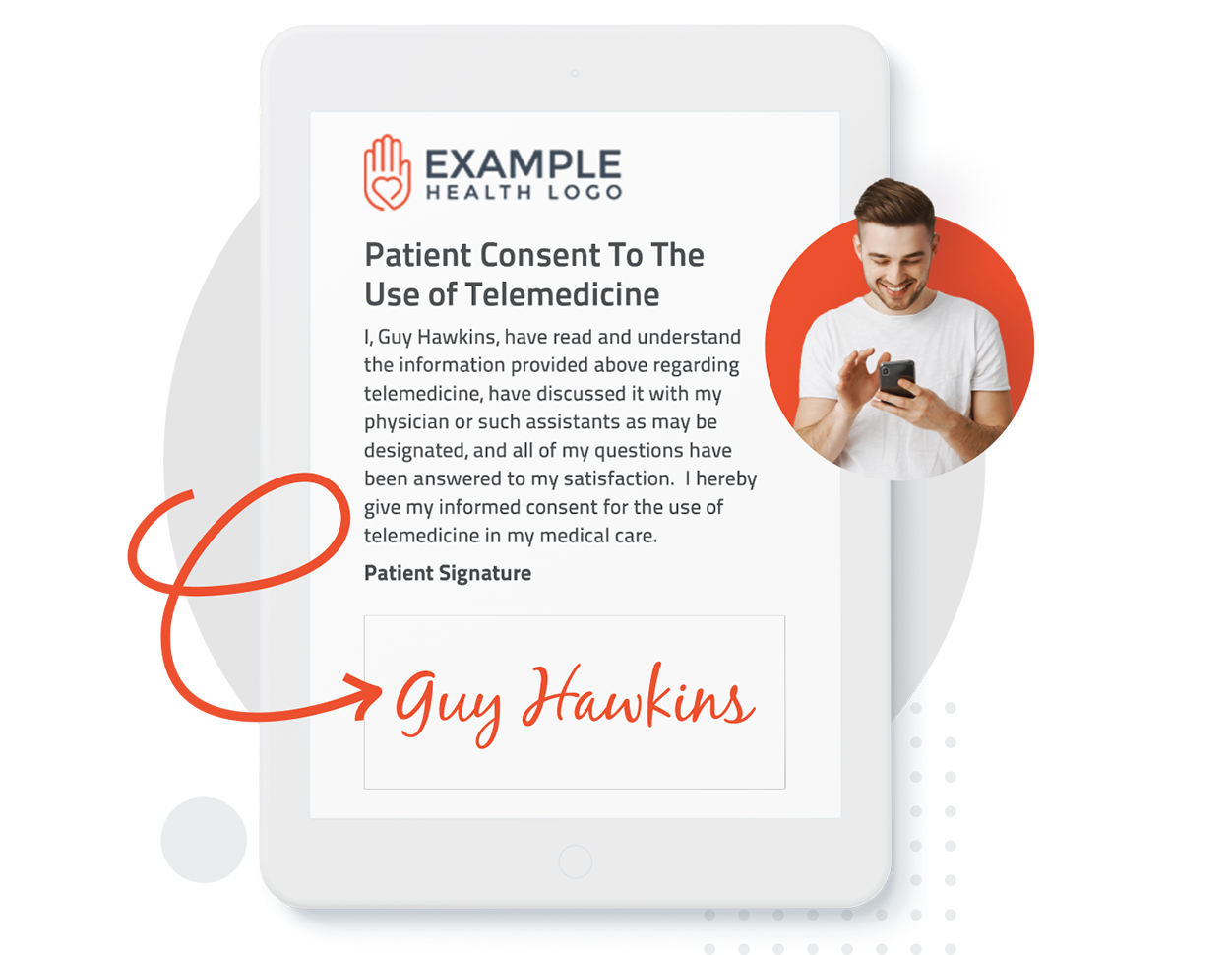
Send your forms online and have your patients securely sign their HIPAA consent from any device, anywhere, at any time. Save time and standardize the way you collect electronic signatures from your patients. Plus, you can electronically sign documents yourself and request signatures from other providers, practitioners, and legal guardians.
A signed HIPAA consent form permits healthcare professionals to share protected health information (PHI) with any other individuals or organizations.
A HIPAA consent form is a legal document authorizing specific uses and disclosures, but there is no requirement to notarize the forms. The forms must be retained as they may need to be provided to regulators during audits and compliance investigations as they serve as proof that authorization has been obtained in writing to waive certain Privacy Rule restrictions.
The liability falls on you to handle patient data in a compliant way. Patient privacy is a serious topic, legislation from the Health Insurance Portability and Accountability Act to the Patient Protection and Affordable Care Act place heavy fines on medical professionals who mistreat patient information.
A HIPAA consent form does not empower your staff to share patient information with just anyone. Depending on what is included in the form, the document may release medical information to the patient’s family, other doctors, insurance providers, attorneys, or anyone who may make healthcare decisions on behalf of the patient.
Give your patients the freedom to electronically sign documents online, from any device, anywhere, at any time. Collect signed-consent forms and ask your patients to upload a photo of their driver’s license to verify signatures online. Start collecting electronically-signed forms online before your patient’s appointment.
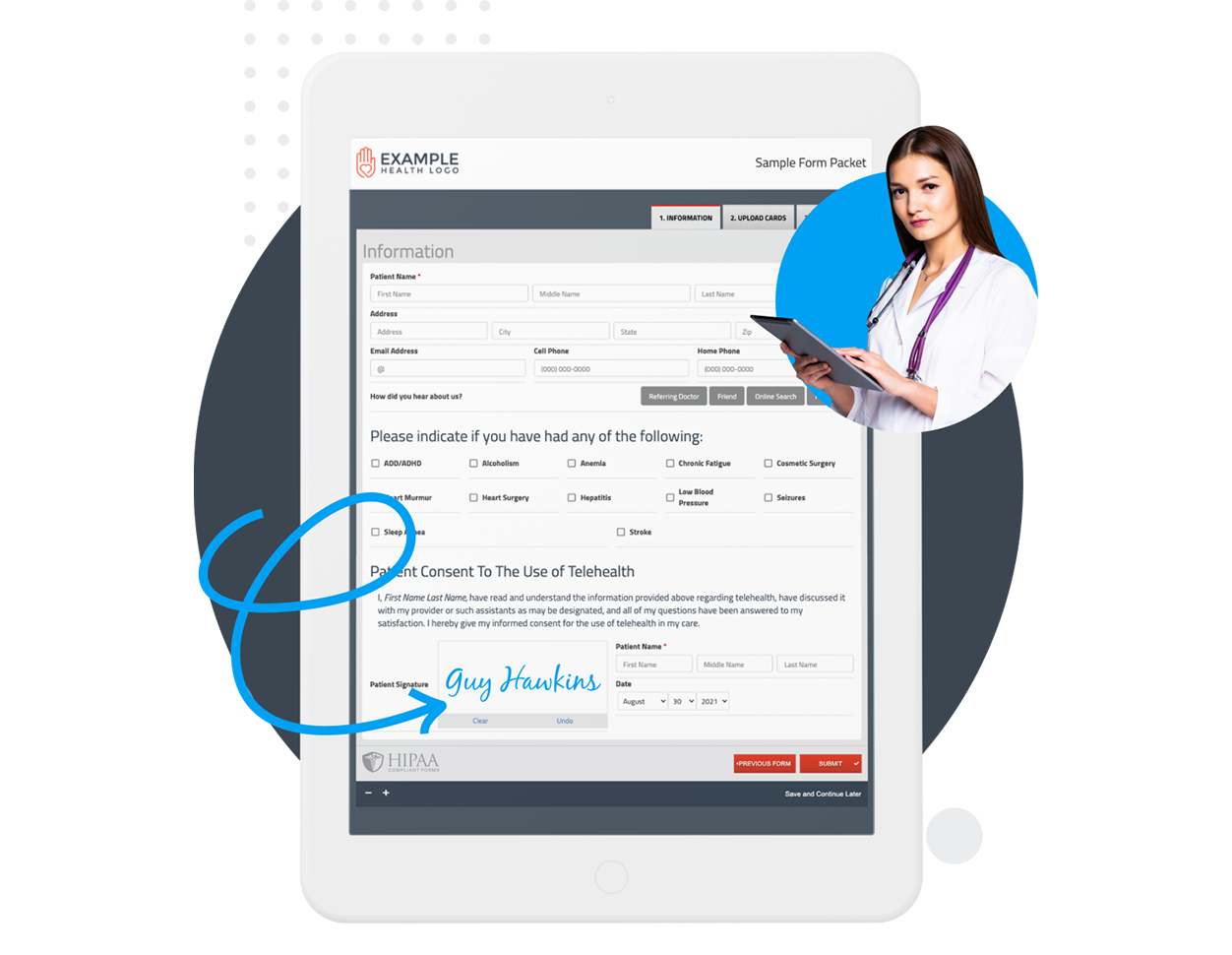

Have your patient enter information once and have it autocomplete throughout your medical form online. Automatically populate PHI directly into additional fields and medical consent forms.

Always get the information you need with required fields. Patients can only submit when they complete all of your required fields. Never receive an incomplete medical form again.

Combine multiple pages into an online form packet. Have your patients fill out their medical history, consent to treat, and demographics all in one new patient intake form packet.

Collect electronic patient signatures before the appointment. Easily give your patients the ability to digitally sign from their phone, tablet, or computer.
Not having an online custom form to offer patients was a huge struggle. FormDoctor makes paperwork seamless and saves a ton of time and money by allowing us to upload to patients EMR rather than print, fill out, scan, and then attach. That is now a hindrance of the PAST!

Patients can fill out the forms at their leisure, and don’t have to print anything. We’re collecting more completed forms than ever, and patients love not having to do anything when they come to the office for the first time.

FormDoctor allows me to send and receive attractive, professional forms from patients. Very helpful that I can remind patients of their appointment time and check the status of the form.

Sending a PDF was too time consuming for the patients to do, and it required the additional steps of printing and scanning it into our own systems. FormDoctor made it easier to get patients to complete the forms by email, and it’s a more secure way to provide info than simply emailing back a completed PDF.

Before FormDoctor, the most common struggle were our patients taking a long time to complete forms in our office. Now patients are able to be seen faster when forms are completed prior to visit. Very easy service to create forms online!

The support is second to none. FormDoctor has been instrumental in streamlining our intake of new patients.

Before, clients weren’t signing our forms before the appointment. FormDoctor has allowed us to share our documents for client review and signatures. I really appreciate the support, it has been super helpful simplifying our forms!

FormDoctor gives your practice one HIPAA-compliant platform to collect forms, communicate with patients, and automate follow-up. We help practices who: